EPISODE 04 IS LIVE!
EPISODE 01 LAUNCH:
Client Handover Checklist
The exact process from the Castlemaine Art Museum project. 18 steps across three phases. Some items include a 30-second video from Ryan.
01 — Before You Hand Off
Castlemaine deleted their site twice during this project. Keep two copies in your Framer account. One backup is not a backup.
Go to Assets panel. Delete duplicate logos, test images, and placeholder content you forgot about.
If the client ever needs to change a brand color later, this makes things a lot easier.

Site Settings > General. Write for Google, not for you. Client Name - Home, not copy v3.
Lock down everything you can with element locking. A single wrong click can break the layout.
Check every breakpoint on an actual device. The Framer preview lies sometimes.
Click every nav item, CTA, and footer link. A broken link on handoff day is a bad look.
Easy to skip during a build crunch. Matters for accessibility and SEO. The client won't catch it.
Catches errors before the client does. Takes 30 seconds. No excuse to skip it.
Frame 47 means nothing to a client. Name things so a non-technical person can find them.
What's included post-launch and what costs extra. Say it now, not when they ask.
02 — The Handoff
Not a Remix link. The domain stays live during the whole transfer. Takes under two minutes.
Domain registrar, analytics, integrations. Document everything in one place and send it once.

Framer's live edit modal lets clients update text and images directly on the live site. Show them this first — it's how 90% of their edits should happen.

This is where clients spend most of their time and where they cause the most damage if left unguided.
Short Loom covering: edit text, swap images, add CMS entries. Replaces the 30-minute call you'd otherwise have.
Email is fine. Just make sure there's a record. "Happy with everything?" counts.
Don't wait. Send it the same day. Delaying it makes the conversation harder, not easier.
03 — After Launch
Search Console. Make sure robots.txt isn't blocking crawlers. Obvious, but it gets missed.
You built something good. Tag the client. It helps both of you.
One email. "How's the site going? Anything you need?" Most freelancers skip this. It's the easiest referral you'll ever get.
At the 30-day mark, not right after launch. By then they've actually seen the site in the real world.
One note, a few bullet points. What went smoothly, what surprised you. Builds your own process over time.
MEET THE CLIENT:
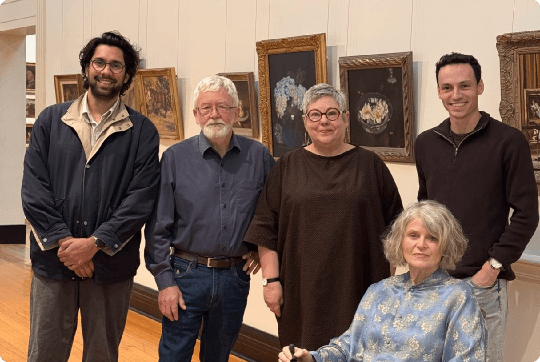
CASTLEMAINE ART MUSEUM
Founded in 1913, the Castlemaine Art Museum has a unique collection of Australian art, First Nations cultural material and historical artefacts reflecting the early history of the region.
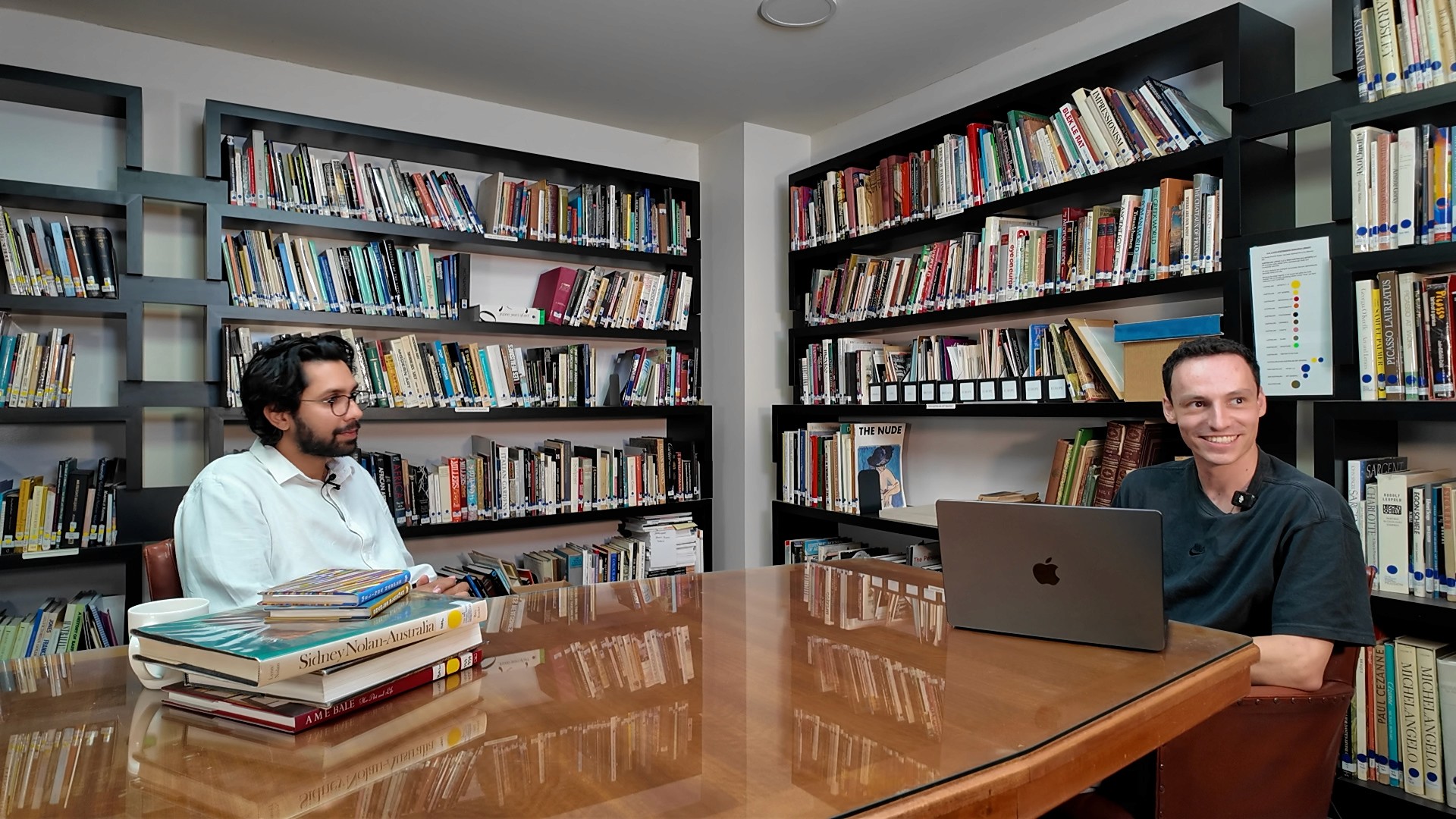
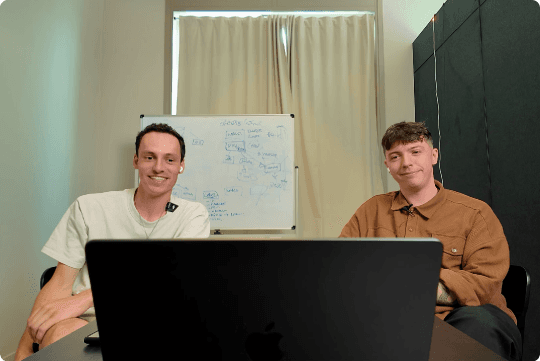
Leslie Gurusinghe (Client) reached out to Insert Frame to redesign & rebuild their new website in Framer. This is that story.

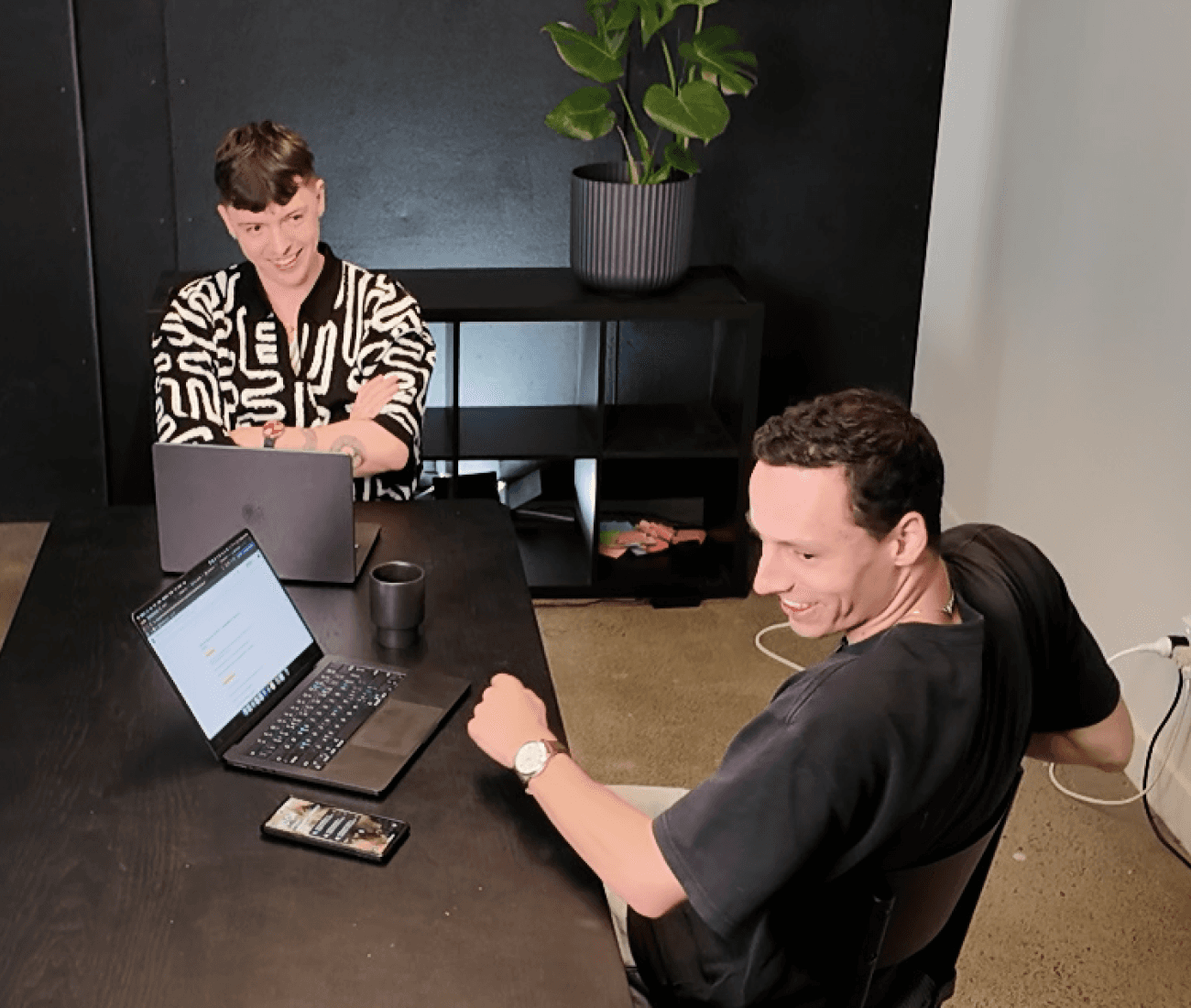
Australian-based design company, Insert Frame builds products & educations for Framer. The team worked with Castlemaine Art Museum to build their website in under 30 days - from strategy, design, development & publishing.

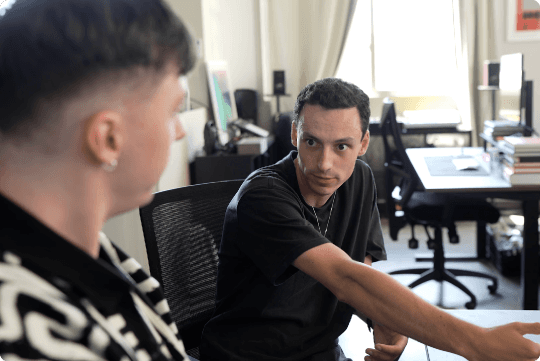
Project Lead

Designer, Wonderboy


