setup
COMPONENTS
INTEGRATIONS
FAQ
Connecting Stripe for Payments
Thenty runs on Stripe - it's the only Framer authentication plugin that does. This means you can create products, set up subscriptions, and sell one-time access, all connected directly through your Stripe account. Your members pay through Stripe's checkout, the money lands in your Stripe dashboard, and you're in full control of it.
You can skip this step if you don't intend to use Thenty for paid products.
Note: Stripe is not available in every country. More information here: https://stripe.com/au/global
To connect Stripe
Before connecting, set up your branding in Settings - add your project name, brand colour, and logo. This is what will appear in the Stripe checkout, so get it right before connecting.
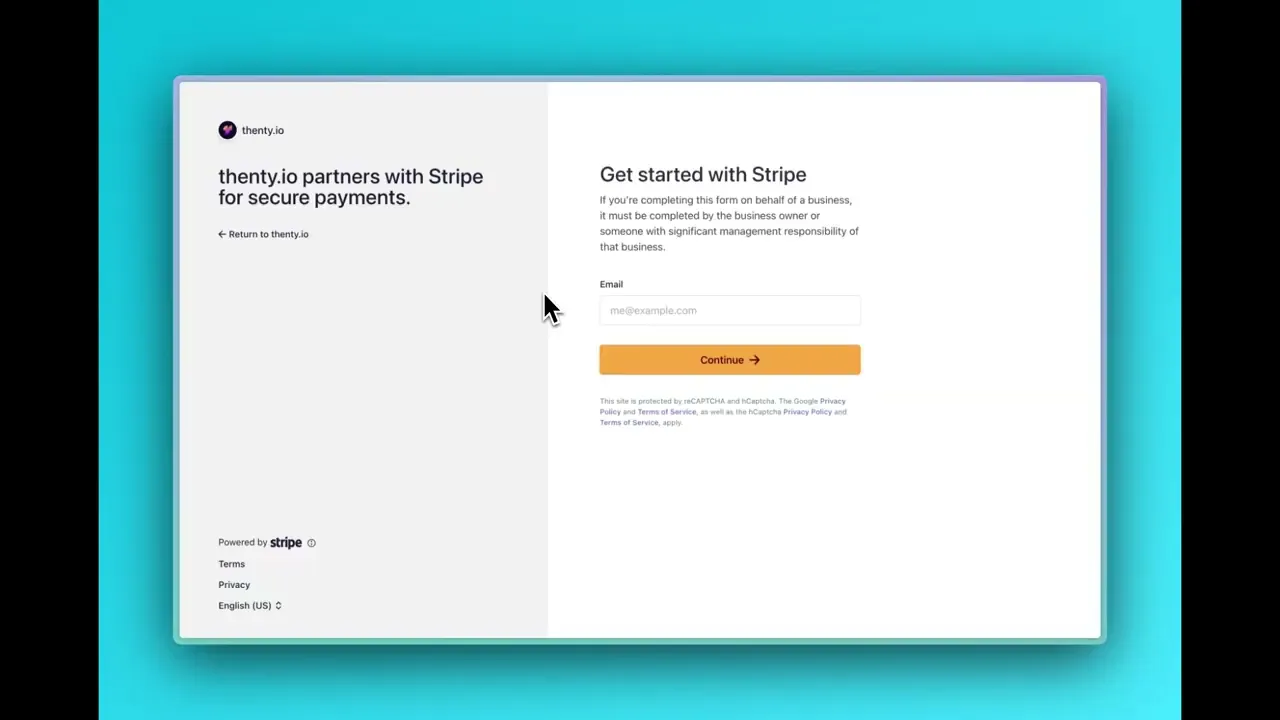
In the plugin, go to Settings > Payments and click Connect Stripe.
You will be redirected to a Stripe login page to onboard your account.
Once connected, navigate back to the Thenty plugin in Framer.
Checking your connection - the two green dots
Once connected, look for two green dots in the plugin. Both green means you're good to go and can start taking payments.
If either dot is red, click the Stripe Portal button and fill in whatever is missing - usually a bank account or a missing business address.
Optional: Brand your Stripe checkout
In your Stripe dashboard, go to Settings > Branding. Here you can set your colour, logo, and icon. These appear on your checkout page, customer portal, and invoices.
It's worth taking the time to set this up properly so the checkout feels like part of your product, not a generic Stripe page.
Setting up the customer portal
In Stripe, navigate to Settings > Customer Portal. This is where your members will update their subscriptions, manage their plans, update card details, or cancel.
Set this up so your customers can fully self-serve - they should never need to email you or raise a support ticket to manage their subscription.
Custom email domain
In Stripe, go to Settings > Custom Emails. This controls automated receipts, refund confirmations, and subscription notifications. Add your own email domain here so everything comes from you, not a generic Stripe address.
RELATED DOCUMENTATION


