Help Centre
How can we help?
Search Docs
How to upgrade your Frameship store to the latest version
Firstly, remove all existing Frameship 1.0 components from your project.
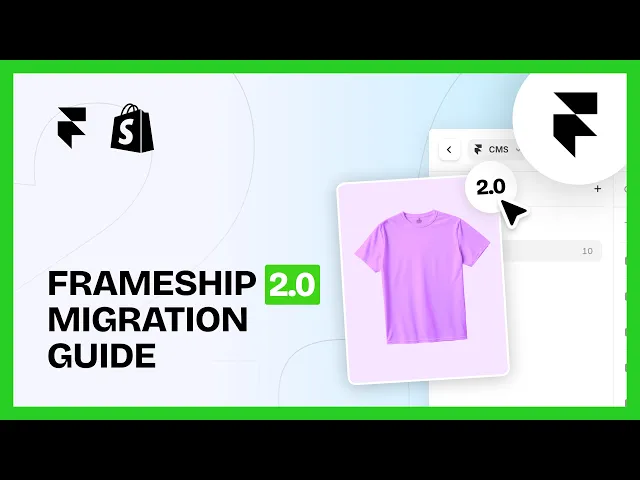
Create a new Collection List using the Frameship plugin and connect your Shopify store (See our video for how to do this).
Open the Frameship Plugin by navigating to the taskbar at the bottom of your project.
Log in to your account and navigate to the Component tab.
Insert all components from the plugin onto your pages and set them up as you require them.
Make sure you are only using 2.0 components. If you have a mix of 1.0 and 2.0 components in your project, they are not compatible with each other and will not function correctly.
NOTE: Frameship 1.0 components & projects will still function without upgrading. If you do not wish to upgrade to 2.0, you do not have to do so. Please be aware that no further updates or support will be available for 1.0 past December 17th, 2025, and if Framer pushes any further updates, this may break some functionality.