setup
COMPONENTS
INTEGRATIONS
FAQ
How to Add Metafields to Your Frameship Store
Creating & Using a New Metafield on Shopify
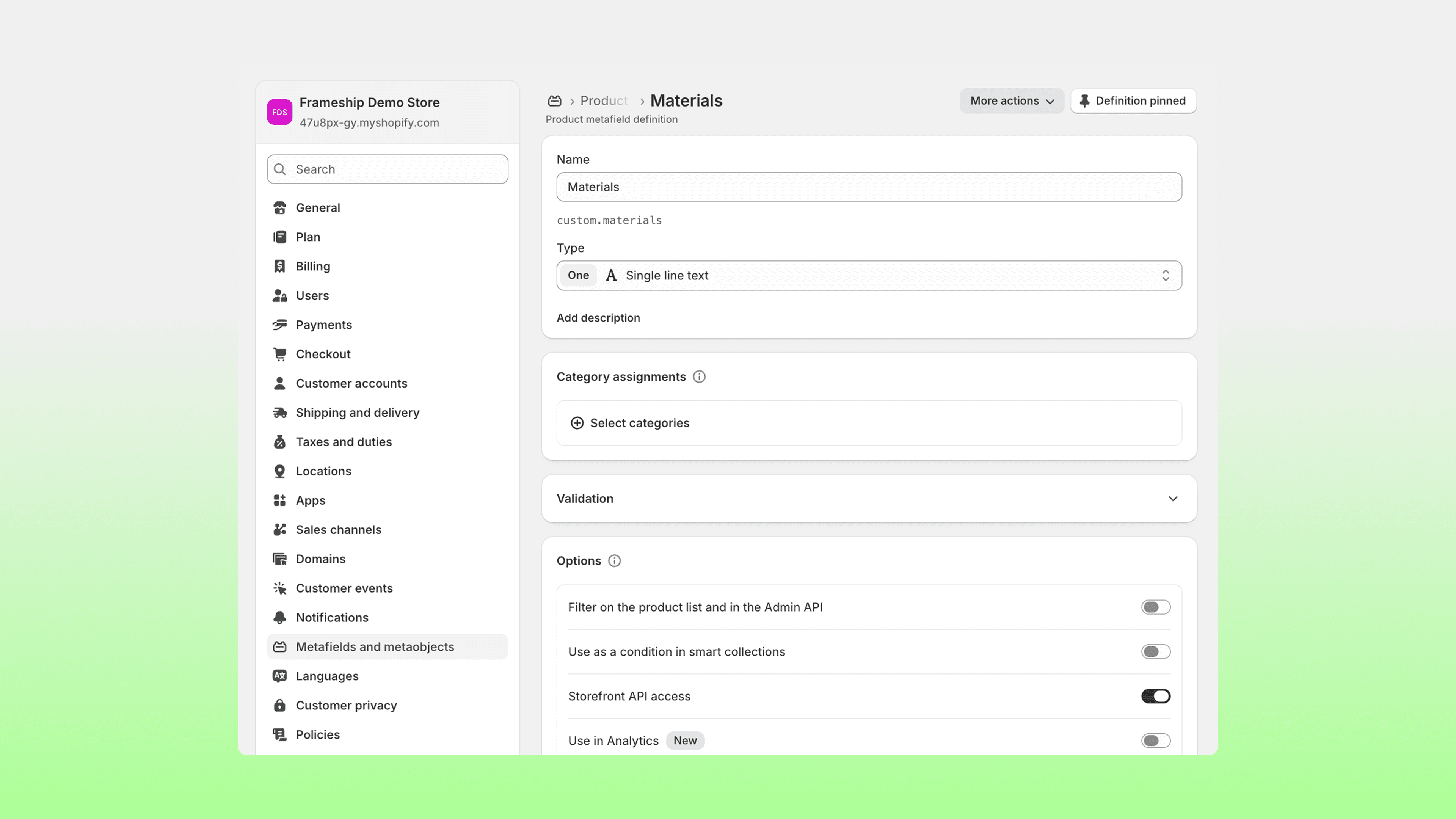
From your Shopify dashboard, click “Settings,” then “Metafields & Metadata”.
Click “Products” and then “Add Definition.”
Configure as needed, including a unique namespace key (identifier), and click “Save.”
Go to your Shopify product page, scroll to the “Product Metafields” section, and assign the metafield/s.
Syncing Your Metafields in Framer
In Shopify, copy the namespace key exactly that you wish to import into Framer.
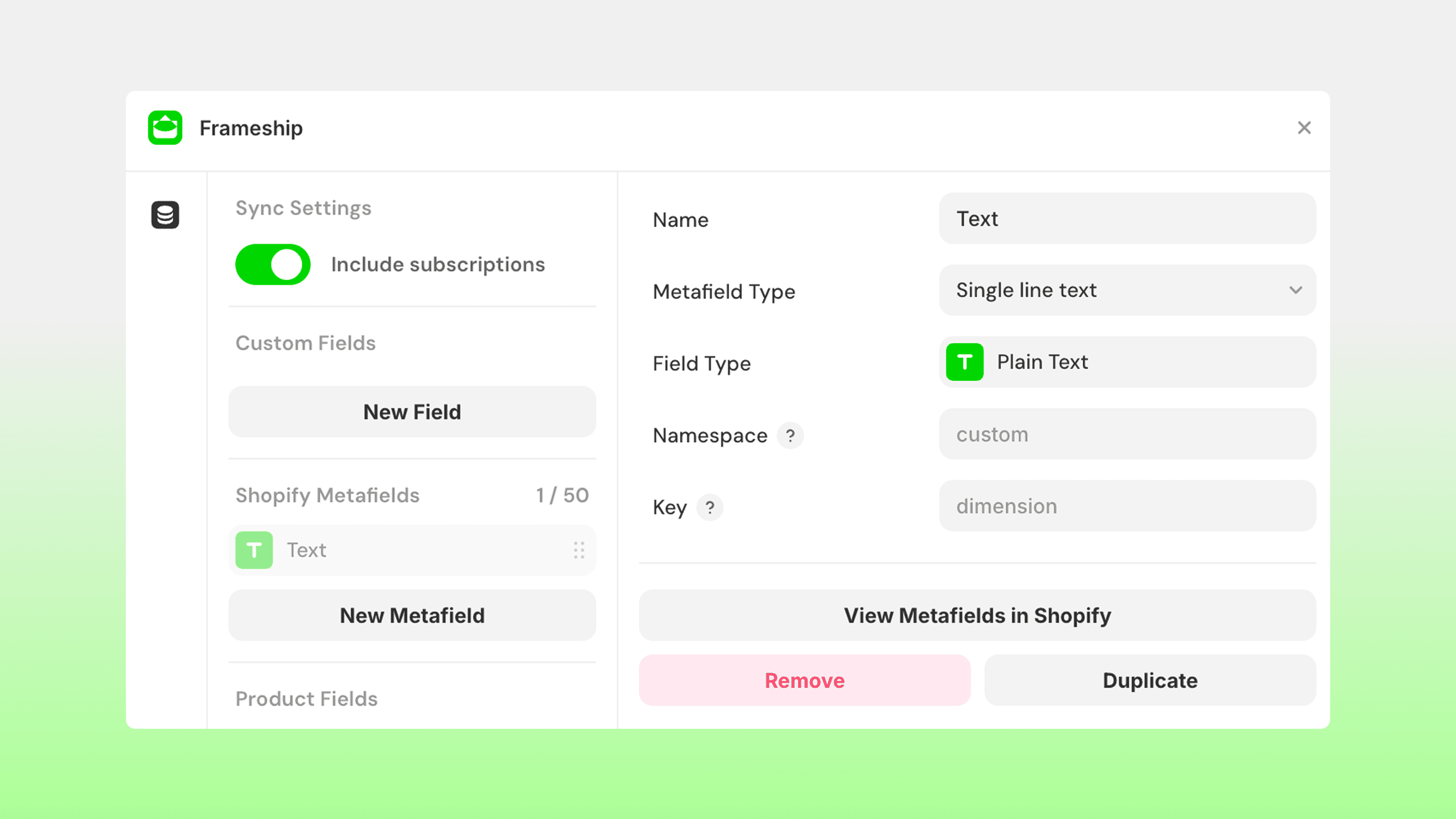
In the CMS, open Frameship ('Manage'), and select Shopify Metafields.
Click “Add Metafield” and paste the namespace key.
Tip: the namespace key has two parts. Place the first in 'Namespace' and the second in 'Key'.