setup
COMPONENTS
INTEGRATIONS
FAQ
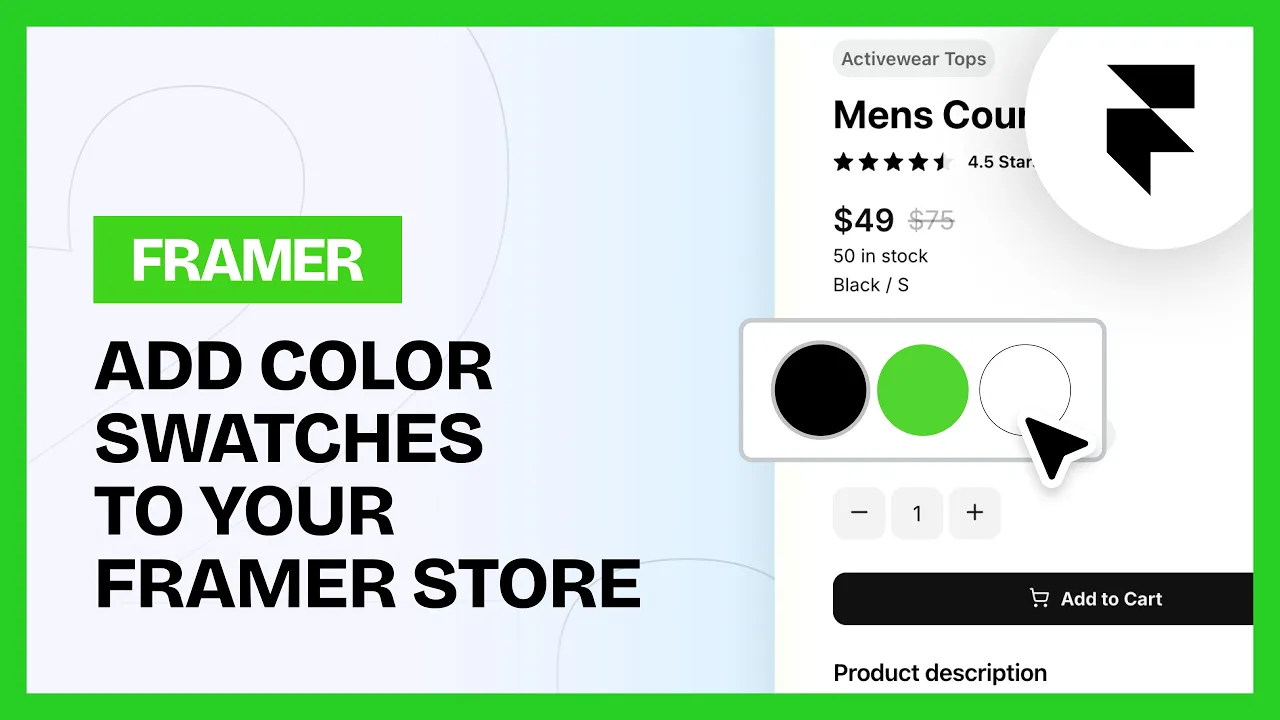
How to Add Color Swatches to your E-commerce Site
Adding Color Swatches
To add swatches to your product pages, follow these steps:
Insert the Variant Color Swatches component. You can find this under 'Product' in the Components list in the plugin.
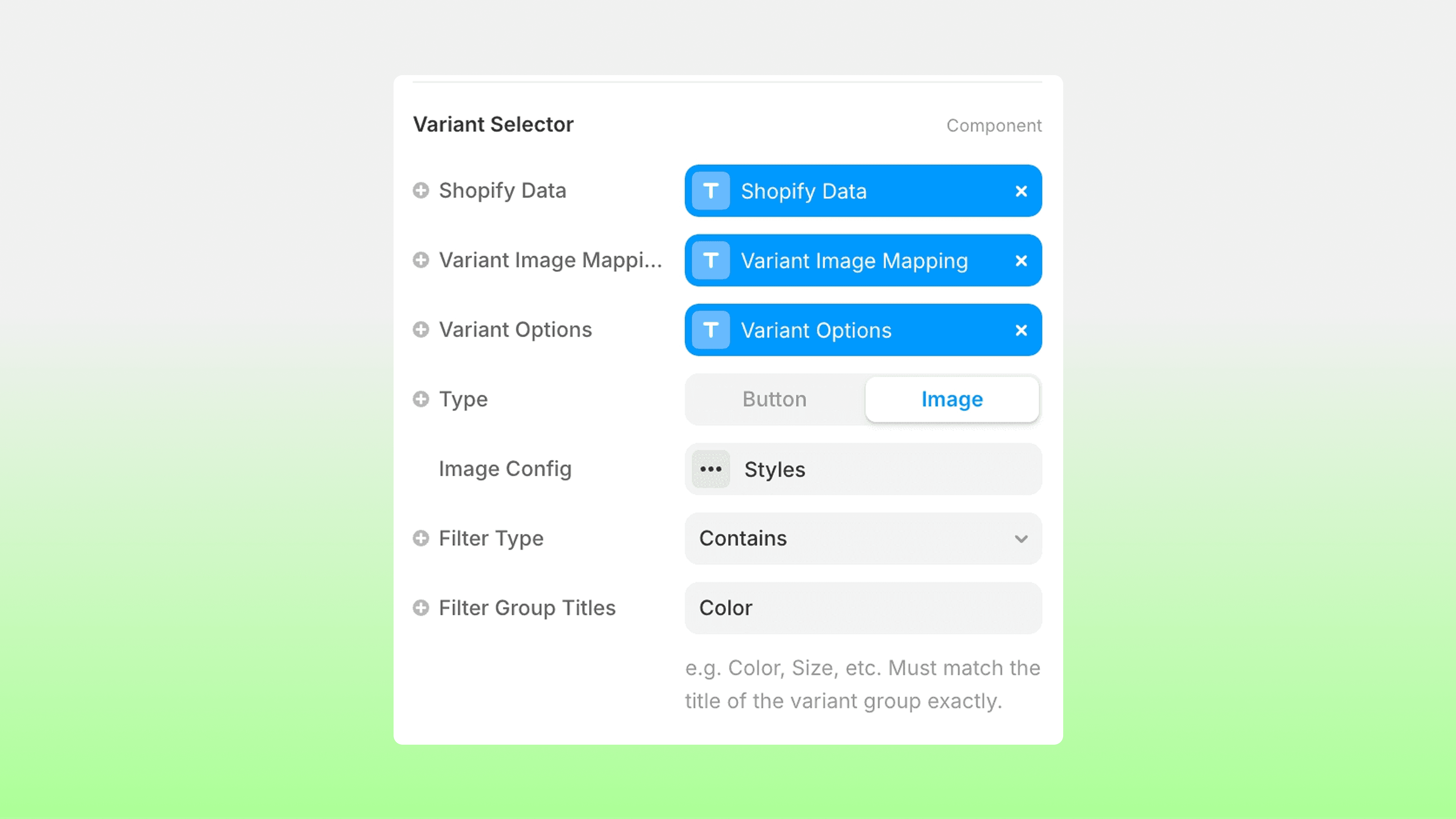
Connect the options in the component to the matching variable:
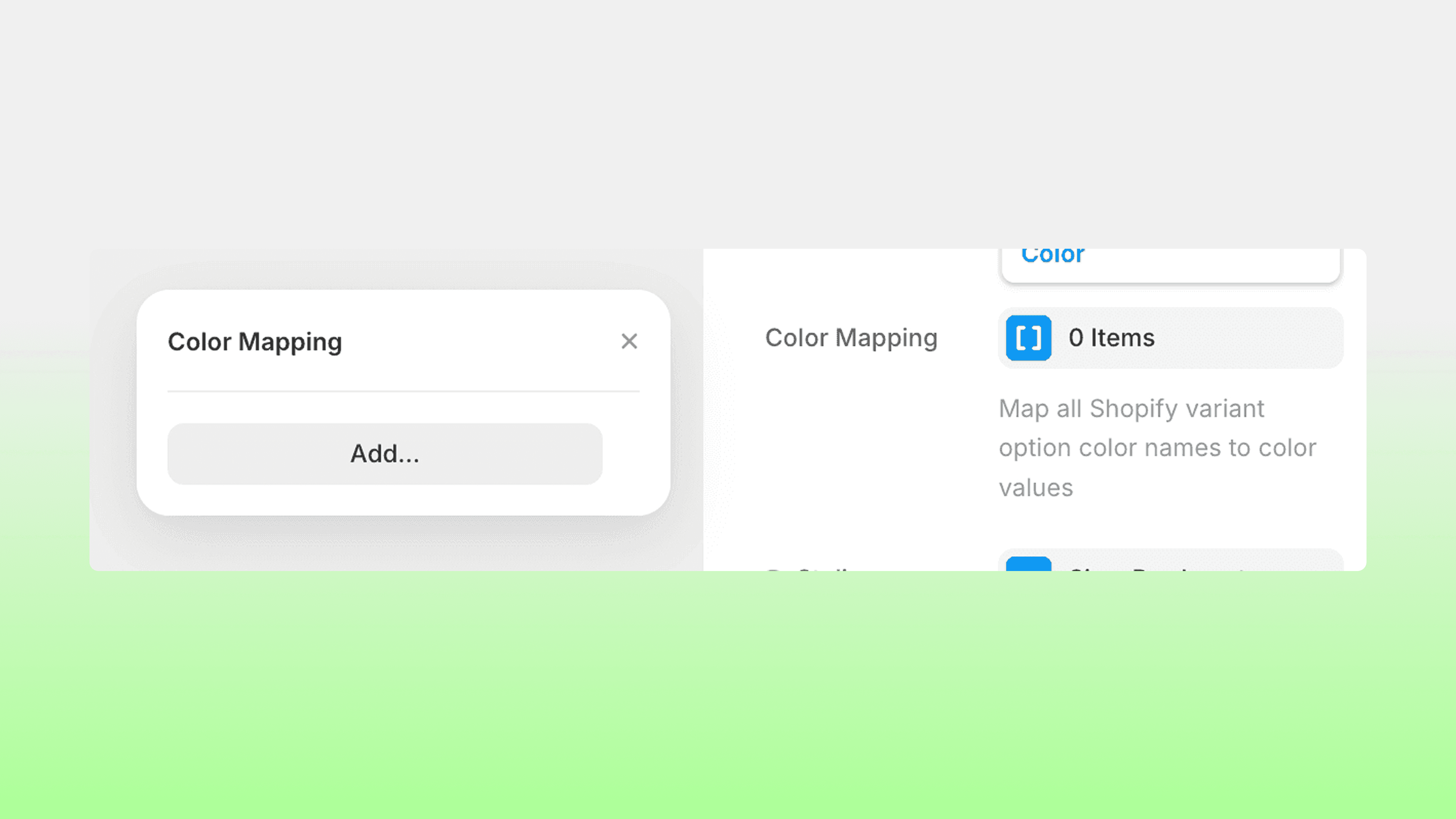
Under Color Mapping, you will see the option to add your color variants:
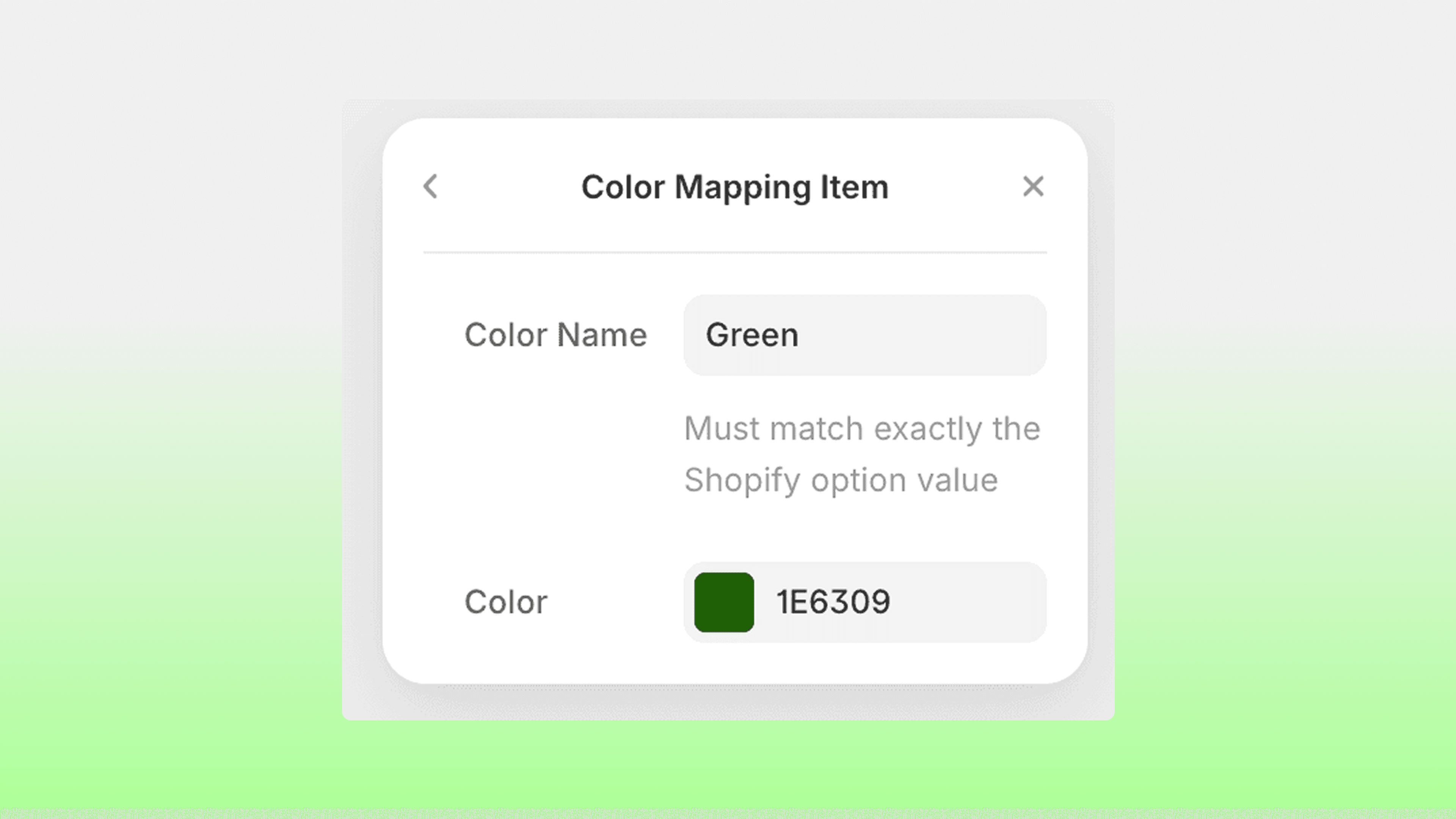
Add in all your color variants, making sure you use the exact name you used for your color variants in Shopify (case-sensitive!). Add in your HEX color you wish to use.
That's it! Test the color swatches on preview or a published domain. You are able to change styling settings under 'Styling', including things such as default border color and selected border color.
💡 Note: To ensure this component does not leave an empty gap when it is not applicable to a different product or variant, make sure you use Margin settings under Layer Style in the component settings, instead of a gap on the parent layer.
RELATED DOCUMENTATION


