setup
COMPONENTS
INTEGRATIONS
FAQ
Set up your products & plans with Thenty
Once you have set up your application, you then need to set up your products for purchase.
Thenty facilitates three types of Stripe products:
Recurring memberships: A subscription that bills a user on a frequency of your choice.
Single purchases: A purchase that bills a user once.
Free products: A product that can be redeemed for free.
Setting up a New Product
In the plugin in Framer:
Go to Settings
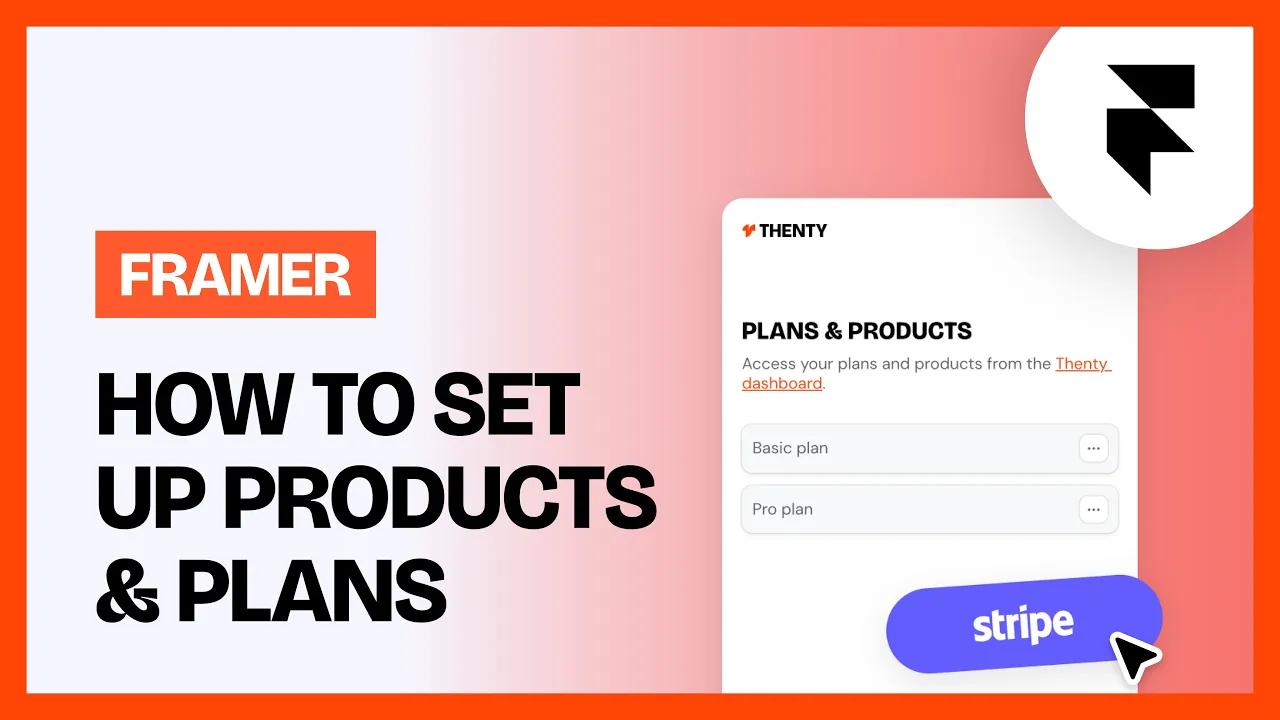
Go to Plans & Products
Select Add New Product
Enter all details, including name, which type of product it is, price, and the redirect path on purchase if you want it overridden. You can also choose to make it a default product on checkout.
Hit Save
Can I create a product or plan in Stripe first and then sync it to Thenty?
No. You must set up your Thenty application in Framer first, then connect Stripe through the plugin, and then create your products. You cannot create products in Stripe first and sync them across - this will not work.
The correct order is:
Set up your Thenty application in Framer
Connect Stripe through the Thenty plugin
Create your products (either in the plugin or in Stripe, then sync)
Once Stripe is connected, you can use the Sync from Stripe button in the Plans & Products tab to pull across any products you create on the Stripe side.
💡 Note: Your products must have a price to be able to be synced.
Common Troubleshooting
How do I choose what default product is shown in checkout?
A new user will be redirected to a checkout with the chosen default product. If there is no default product set up, then it will just redirect them automatically. If you want to change the default product for a particular button or flow in Framer, you can use the Product ID for that particular product and place it into the Product ID input field within the component settings.
How do I change pricing on memberships?
When you change the price of a subscription, all active subscriptions will have their prices updated too. You can avoid this by instead allocating discount codes for short term promotions, or creating new products. Old products will always remain in a legacy state that you can use in protected pages or content.
How do different product variants work with Thenty?
If you have one product, but different purchasing options (e.g. one-time vs a subscription), you need to use the pricing ID instead of the product ID for Thenty components such as the Thenty Layer Switch if you need different settings for different product options.
Can I test transactions?
You can toggle test mode in Thenty via the top right corner of the settings page in the dashboard. This will activate Stripe dev mode. Find a list of test payment credentials here.
Can I give users a free trial option?
You can set up a free trial → paid subscription setup directly in Stripe.
Create your weekly/monthly subscription product in Stripe then add a the duration of the trial with/without an upfront charge using either:
A separate ‘intro’ price + subscription schedule
or
Stripe’s built-in trial + setup fee approach.
Once Stripe handles the trial logic, Thenty will automatically grant access as long as:
The correct Stripe Price ID is linked to your Thenty plan
The webhook is properly connected
Thenty simply reacts to Stripe’s active subscription status, so the setup must be done correctly in Stripe first.
Can I gift users a product?
You can gift users a product in the members page.
RELATED DOCUMENTATION


