
Blog
Inside Insert Frame
AI won't take your design job. The designer next to you will.

Ryan Hayward
I've spent eight years telling designers the same thing. Your work isn't finished in Figma. It's finished when it's live.
For most of that time it was a hard sell. Publishing meant learning to code properly or finding someone who already had. So we got good at the next best thing. We made the prototype beautiful, wrote a handoff doc nobody read, and hoped.
That gap between what you designed and what shipped has been the defining frustration of this job. It's where good ideas go to die.
It closed this year, quietly, while a lot of us were busy arguing about whether AI art counts as art.

The threat was never the robot
Let me be blunt about the part that actually scares people.
AI is not going to replace you. It has no taste. It doesn't know why that spacing feels wrong, or why the third option is the one the client will approve even though the first one is better. It produces the average of everything it has ever seen, which is the precise opposite of what you get paid for.
What will replace you is a designer with the same eye as you who can also ship.
Two designers, same portfolio, same instincts. One hands over a Figma file and a list of notes. The other hands over a live site with a CMS the client can update themselves. One of them gets the next project, and the one after that.
The threat isn't a model. It's a person, and you probably follow them.
Why your AI output looks like slop
Here's the thing almost nobody says out loud.
When designers try AI and hate what comes back, they blame the tool. It's not there yet. It doesn't understand design. It's generic.
It isn't the tool. It's us.
We have spent entire careers building taste and almost no time building the language to describe it. You know within half a second that something is off. Ask you to say exactly why, in words, to someone who can't see your screen, and most of us fall apart. We reach for "cleaner". "More premium". "Make it pop."
I call it the articulation problem. It is the single biggest thing standing between a designer and a good result from AI, and it has nothing to do with which model you're using.

The good news is that it's fixable, and fixing it makes you better at everything else too. Writing briefs. Giving feedback. Running client calls. Talking to actual developers. The skill transfers everywhere, because it was always a communication problem wearing a technology costume.
What actually changed
Three things happened at once, and the combination is what matters.
The models got good enough to write real, working code instead of impressive-looking nonsense. The tools moved out of the chat window and into your actual project, where they can read your files and your design system rather than guessing. And the publishing stack got simple enough that a designer can genuinely own it end to end.
None of those on their own would have done much. Together they mean the thing that used to need a developer, a sprint and a handoff meeting now needs you and an afternoon.
I don't say that to be dramatic. I say it because I've watched designers in our community go from prototype to published product in a week, and they are not secretly engineers. They just learned the workflow.
The awkward career conversation
There's a version of this where you wait.
You keep an eye on it. You read the threads. You tell yourself you'll get into it properly when things settle down, when there's a clear winner, when your workload eases up.
I understand the instinct and I think it's the riskiest thing you can do right now. Not because AI is moving fast, though it is. Because the expectation has already shifted underneath us. Companies have quietly started assuming their designers understand this and use it. Nobody sent a memo. It just happened, the way these things do.
If you're reading that and feeling behind, you're not behind. You're on time. But only just.
What I'd tell you to do even if you never buy a thing from me
Genuinely, do these four things. They cost nothing.
Install one AI coding tool and open it inside a real project. Claude, Cursor, Codex, pick any of them. The chat window in your browser is not the same thing and it's why most designers write the tools off.
Rebuild something you've already designed. Not a new idea. Something finished, where you already know what good looks like, so you can judge the output honestly.
Practise describing your own work out loud. Take a screen you love and explain in specific words why every decision is right. No adjectives you couldn't defend in a crit. This is the articulation problem, and you can start on it today.
Get a Github account and publish something small. Anything. A one page site. The first time you watch your own work go live at a real URL, something clicks that no amount of reading will do for you.

That's most of the mindset shift. The rest is workflow, and workflow is learnable.
Why I made the course
I've been building in no-code for eight years, and Insert Frame exists because I believe designers should publish their own work. That belief hasn't changed. The tools finally caught up to it.
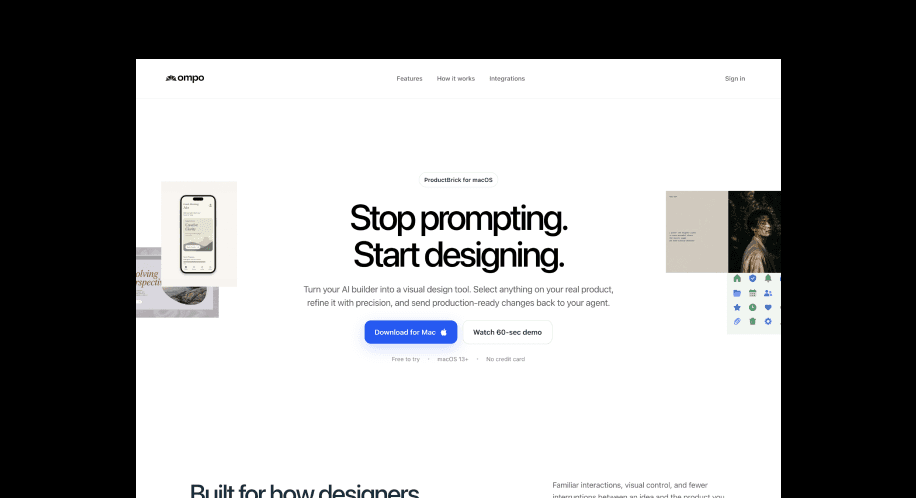
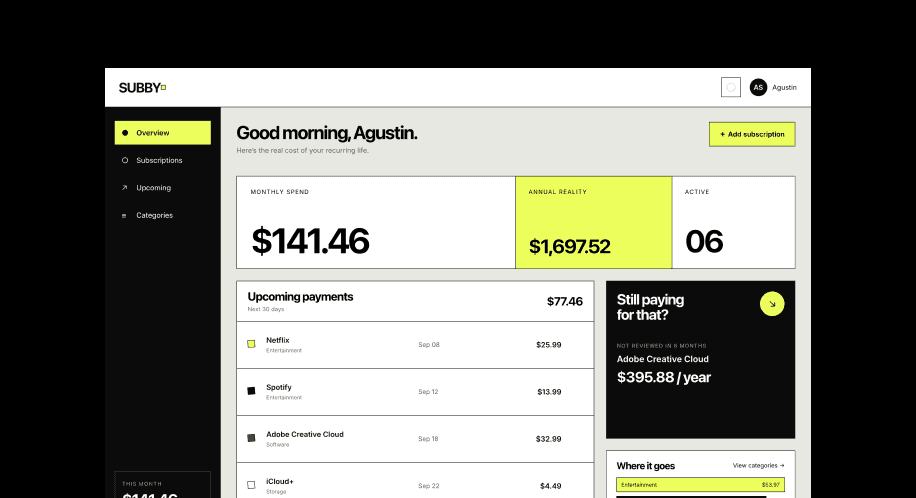
So I built the AI Designer Masterclass. It's 45+ lessons across seven modules, and we build two real projects together, start to published. A client-ready marketing site with a CMS. Then a web app with a database, accounts and Stripe payments. No coding experience needed, because you'll be directing the code rather than typing it.
There's a module on the career side too, which people underrate. How to hand a project to a client. How to get permission to ship with AI at work without it becoming a fight. How to talk about all of this in an interview without sounding like you're reading from a press release.
It opens in October, and it's cheaper right now than it will ever be again, because you'd be buying it before it exists.
But do the four things above whether you join or not. The designers who come out of the next two years in good shape won't be the ones who picked the right tool. They'll be the ones who stopped waiting.
See you on the canvas,
Ryan
KEEP READING

Everything we announced at the Framer CMS Launch Event
The Framer CMS Launch Event by Insert Frame

Georgia Back
How to Build a Pricing Calculator in Framer (No Code)
A step-by-step guide to building a live pricing calculator in Framer using FramerForms, plus real examples of what you can build with calculators and quizzes.
Georgia Back

Design Pages in Framer: The Canvas Most People Don't Know About
Framer has a hidden infinite canvas inside every project that never appears on your published site. Most people don't know it exists.

Ryan Hayward


