setup
COMPONENTS
INTEGRATIONS
FAQ
How to Change Your Map Style in Framer
The Theme control (under Map) changes the visual style of the map - colors, labels, and level of detail. Pick the one that fits your site's look.
Set it from the Map → Theme dropdown.
MapLibre Auto
Switches automatically between light and dark to match the visitor's system setting.
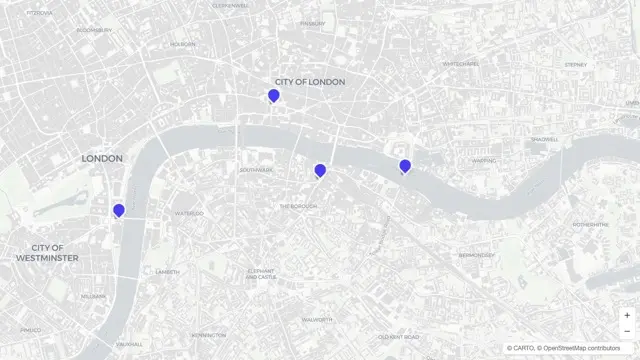
MapLibre Light
Clean, light-colored streets and labels.
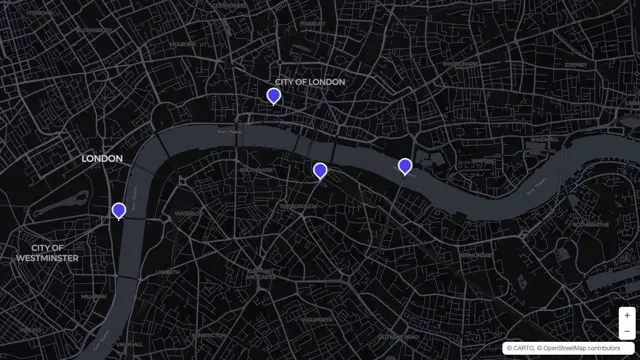
MapLibre Dark
Dark background with light streets and labels. This is the default theme.
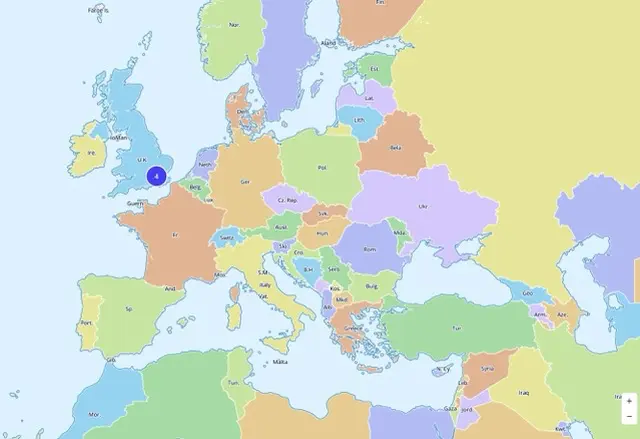
MapLibre World
Colorful, country-by-country styling - good for world maps and geography-focused content.
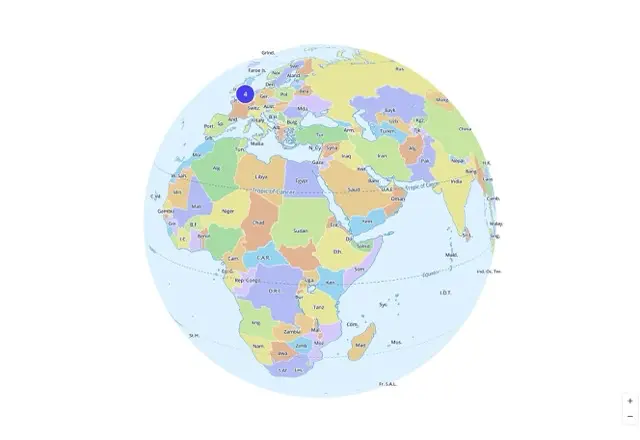
MapLibre Globe
A stylized globe look, best paired with the Globe projection.
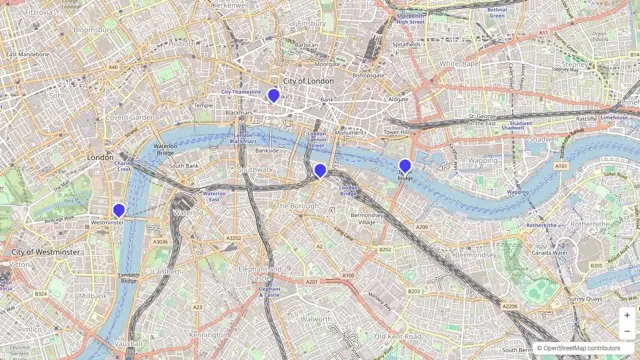
OpenStreetMap Default
The classic OpenStreetMap look.
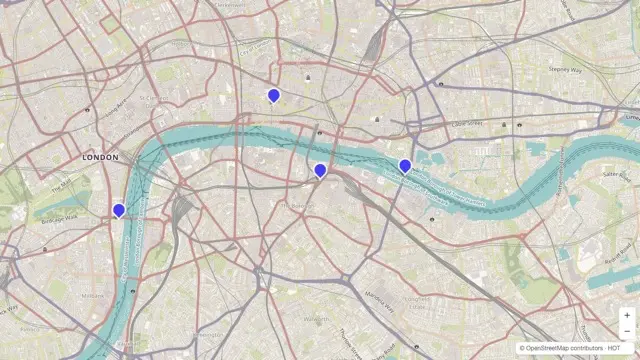
OSM Humanitarian
A style designed for humanitarian and aid mapping, with clearer terrain and infrastructure markings.
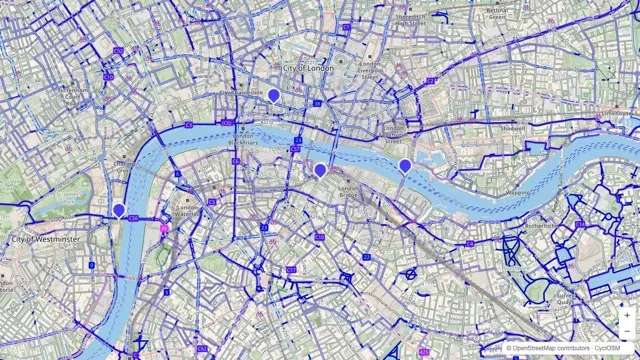
CyclOSM
A style built for cycling routes, with bike paths emphasized.
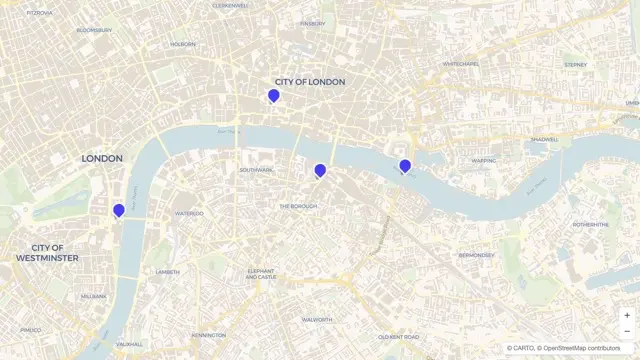
CartoDB Voyager
A friendly, colorful general-purpose style.
CartoDB Dark Matter
A sleek, dark, minimal style.
CartoDB Positron
A very light, minimal style - good when you want the map to fade into the background.
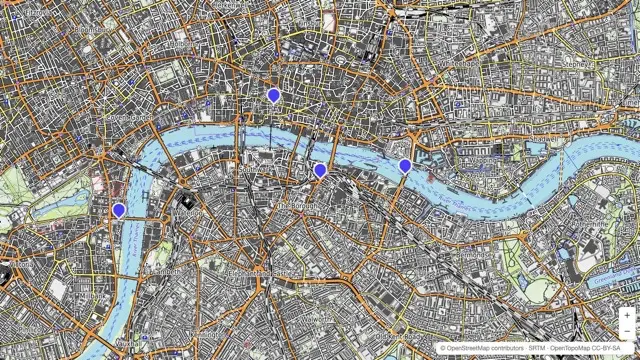
OpenTopoMap
Shows terrain and elevation detail - hiking-map style.
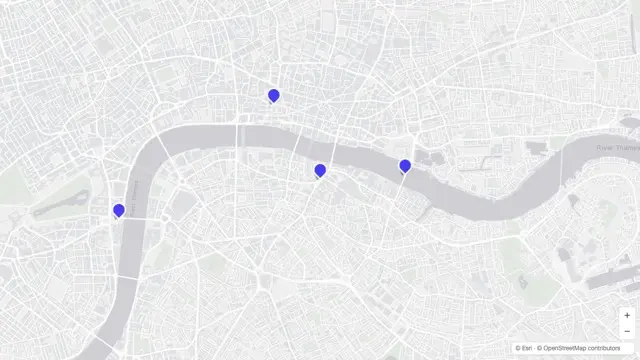
Esri Light Gray Canvas
A muted light gray base, good for overlaying your own markers and data.
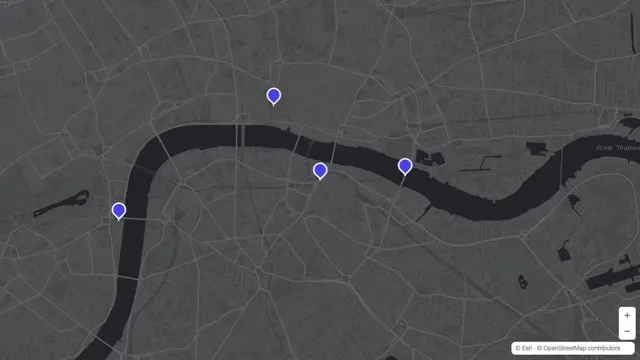
Esri Dark Gray Canvas
A muted dark gray base, same idea as above but dark.
Esri World Topo
Detailed topographic style from Esri.
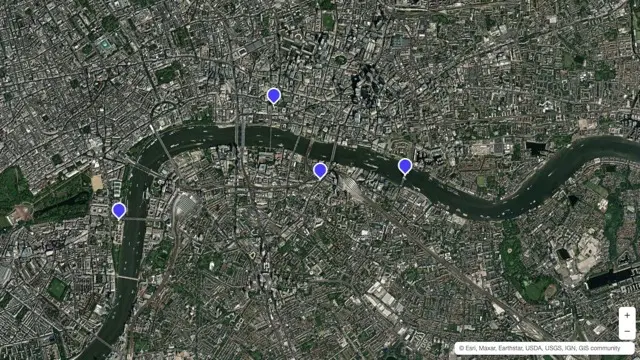
Esri World Imagery
Satellite photo imagery.
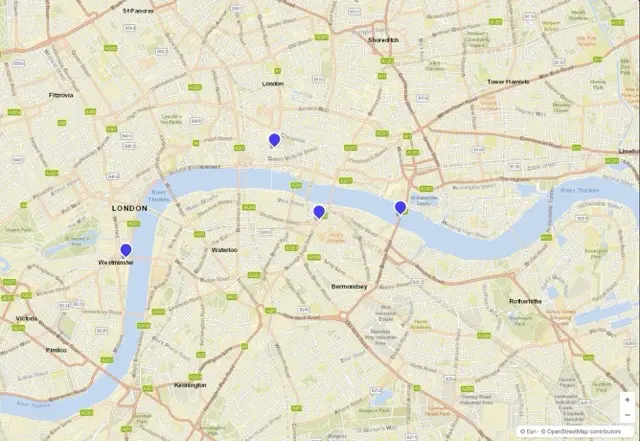
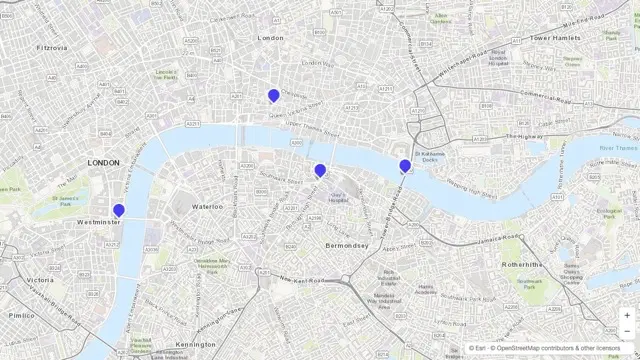
Esri World Street Map
Detailed street-level map from Esri.