setup
COMPONENTS
INTEGRATIONS
FAQ
How to Add an Interactive Map to Your Framer Site
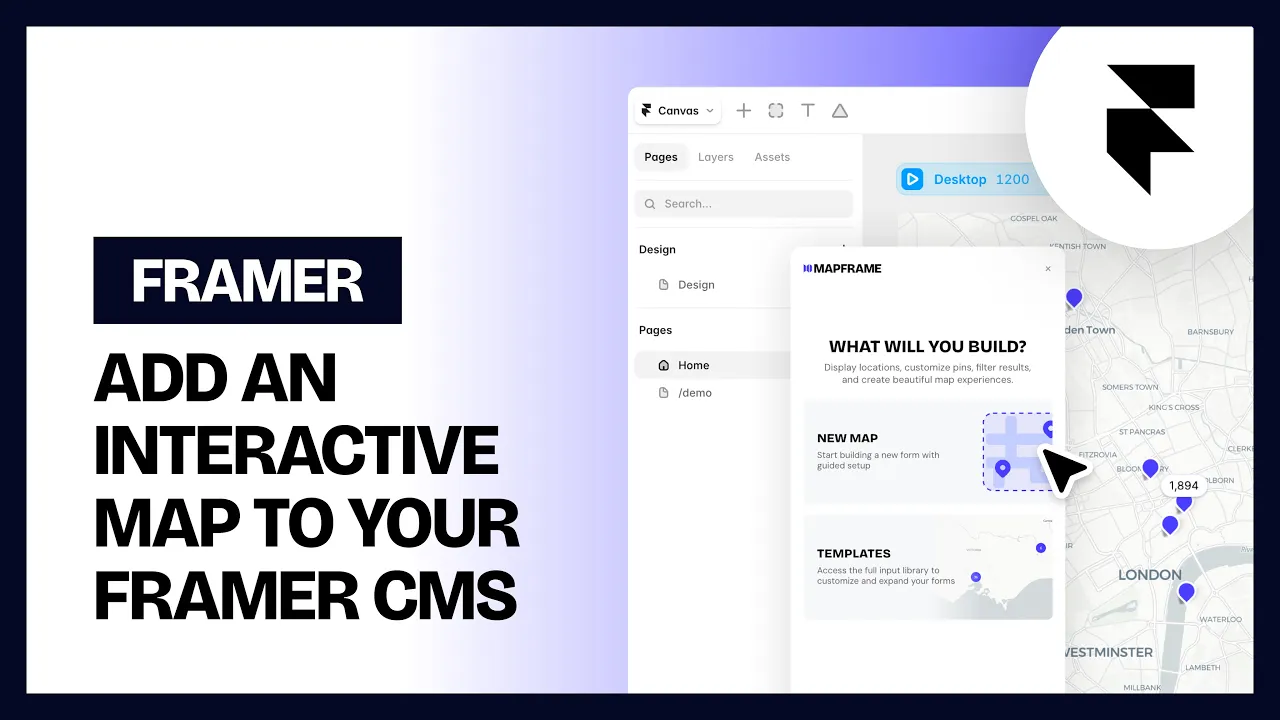
Mapframe is a Framer code component that adds an interactive map to your site. This guide covers the basic setup: choosing where your map data comes from, and setting the starting view.
1. Add the map
Drag the Mapframe map component onto your canvas like any other Framer component.
2. Choose a data source
In the property panel, the Source control lets you pick where your map points come from:
CMS - pull points from a Framer CMS Collection.
Manual - type your points directly into the property panel. See Manual Data Source for the full walkthrough.
Using a CMS Collection
Add a Framer Collection component somewhere on your page (or off to the side - it doesn't need to be visible, it just needs to exist on the page).
In the map's Collection control, connect it to that Collection component.
Open Coordinates and fill in Latitude and Longitude with the exact field names (Field Titles) from your CMS collection that hold the latitude and longitude numbers.
Field names must match exactly, including capitalization. If a field isn't showing up, double check the spelling against your CMS collection.
3. Set the starting view
Open Map → Initial View to set where the map opens:
Center Lat / Center Lng - the coordinates the map centers on when it first loads.
Zoom - how zoomed in the map starts (higher = closer).
You can also switch Projection between Globe (a 3D spinning globe) and Flat map (a standard 2D map).
Where to go next
Themes - pick a map style
Map Controls & 3D Buildings - zoom buttons, compass, 3D buildings
Elements - markers, popups, clusters, arcs, routes, overlays
Animations - camera orbit, fly-in, marker tour
Manual Data Source - adding points and fields by hand, and connecting them to popups
License Activation - activating your license so the map works on your live site
RELATED DOCUMENTATION
How to Add Map Points Manually in Framer
How to Change Your Map Style in Framer
How to Add Zoom Controls and 3D Buildings to a Framer Map
How to Activate Your Mapframe License in Framer
How to Group Map Markers into Clusters in Framer
How to Add a Cinematic Fly In Animation to a Framer Map
How to Make a Framer Map Rotate Around a Location


