setup
COMPONENTS
INTEGRATIONS
FAQ
Defer Cart Creation in Frameship - Privacy-Conscious Cart Setup
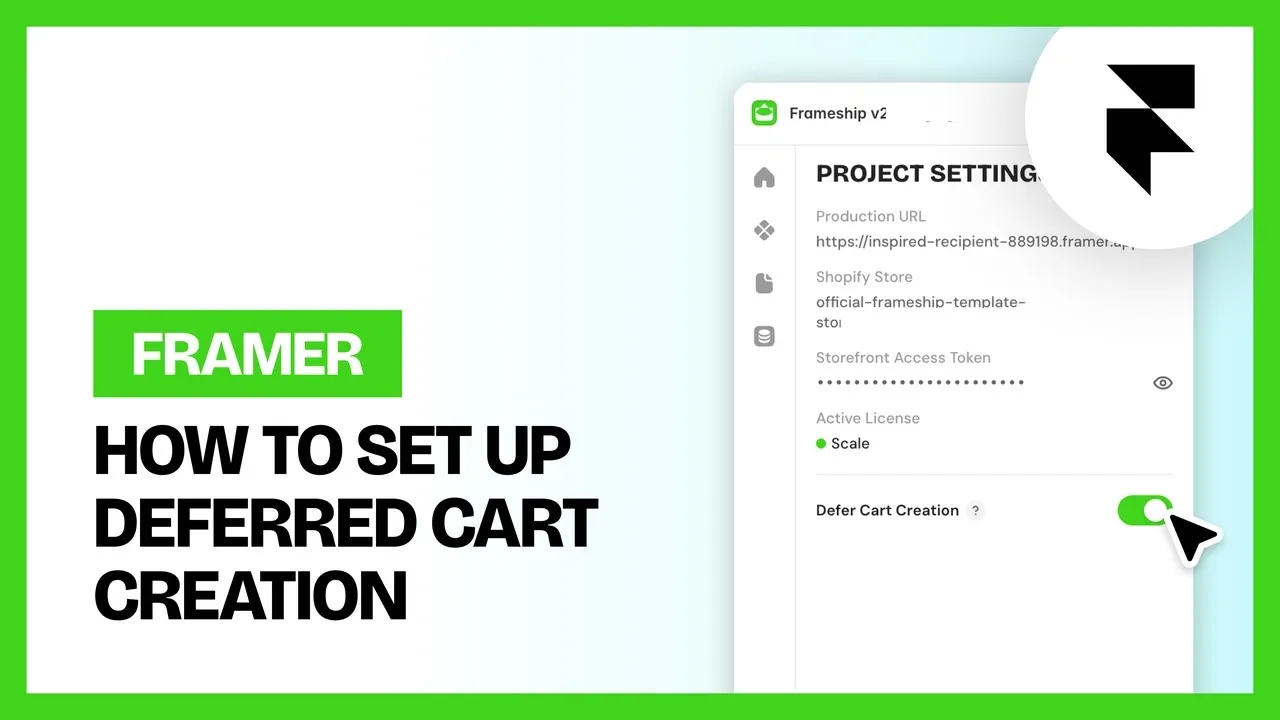
By default, Frameship creates a Shopify cart as soon as your site loads, before the shopper has added anything. The Defer Cart Creation setting changes that. With it on, Frameship waits until the shopper adds their first product before it creates a Shopify cart or saves any cart data in their browser.
Why use it
Under EU privacy rules like GDPR, storing non-essential data in a visitor's browser generally needs their consent first. Creating a cart on page load means cart data is written before anyone has interacted with your store, even if they have rejected cookies.
With Defer Cart Creation on, nothing cart related is stored until the shopper takes an action that clearly needs a cart: adding a product. That makes it a more privacy-conscious setup, especially if you sell into Germany or the wider EU.
The tradeoff
We create the cart on page load for a reason: it keeps the first add to cart instant. Because the cart already exists, Frameship can update it straight away (an optimistic update) without waiting on Shopify.
With Defer Cart Creation on, the first add to cart has to create the cart first, so it can take a moment longer. Every add to cart after that works exactly as normal.
If you don't sell into regions with strict consent rules, you can leave this off and keep the faster first add to cart.
How to turn it on
If your store is already connected to Shopify
Open the Frameship plugin in your Framer project.
Go to your project settings.
Turn on Defer Cart Creation.
Republish your site.

If you are connecting Shopify for the first time
You will be asked whether you want to defer cart creation as part of the Shopify connection setup (see Connecting Shopify to Framer). Choose your option, then publish as normal. You can change it later in project settings.
How to check it's working
Open your published site in a private or incognito window.
Browse a few pages without adding anything to the cart.
Open your browser's developer tools and check local storage and cookies. There should be no Frameship cart data yet.
Add a product to the cart. Cart data should appear now, and the cart should work as normal.
Common questions
Does this change how the cart works for shoppers?
No. Once a product is added, the cart, cart upsells and checkout all behave exactly as before. The only difference is when the cart is created.
Can I turn it off again?
Yes. Switch it off in project settings and republish.
RELATED DOCUMENTATION


