setup
COMPONENTS
INTEGRATIONS
FAQ
Showing & Hiding Components on Product Pages
On different product detail pages, you may have components that are not needed. For example, if one product has a bundle option but others don't, it will be hidden on those pages. This is handled dynamically in Framer, so there's no need to manually configure this.
However, there are a few best practices to keep in mind.
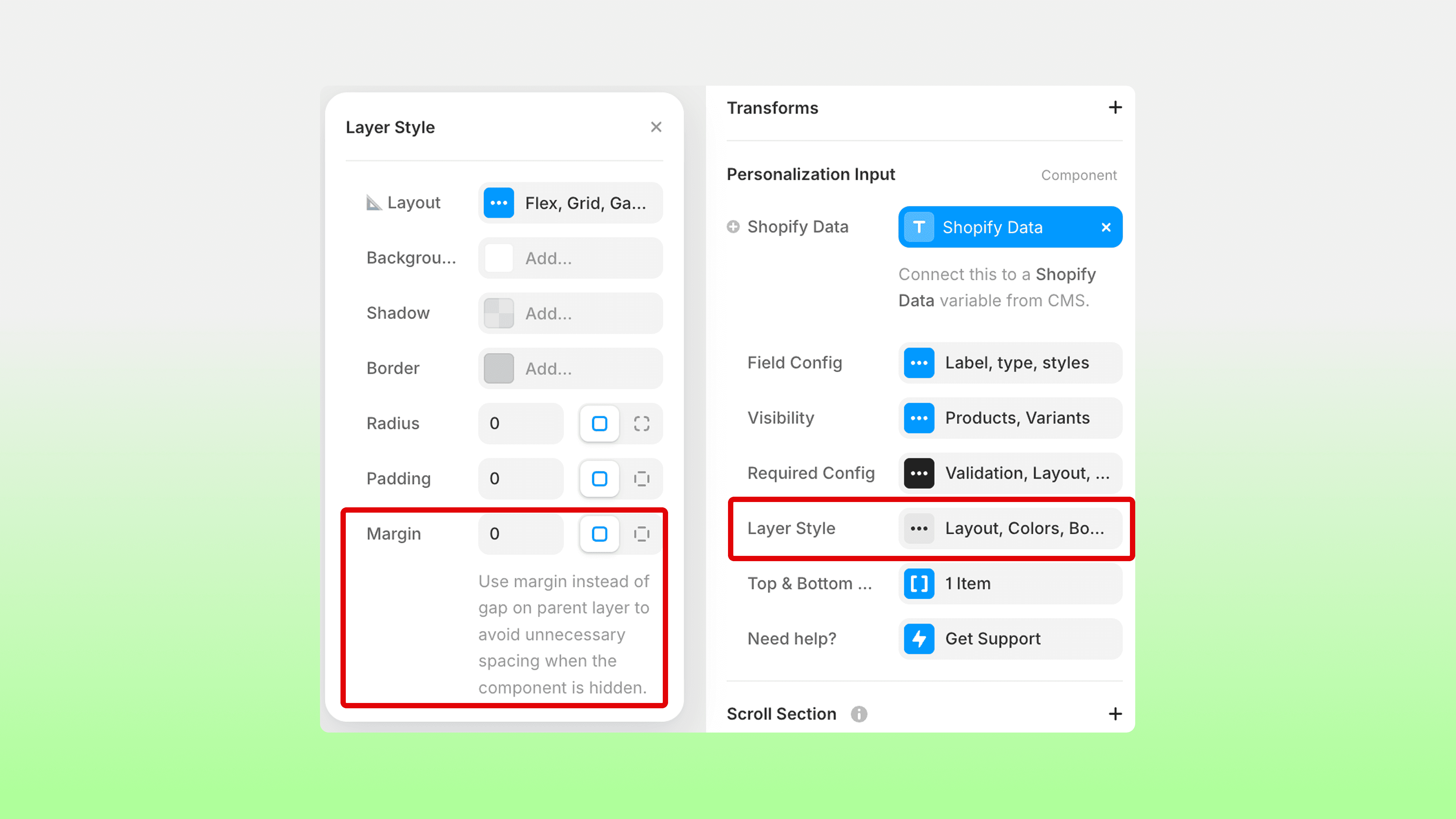
Ensure spacing is set up correctly by using the individual Margin settings in your component's Properties panel. Under Layer Style, you will find the Margin settings. Add top or bottom margin to space the component away from neighbouring components while it's visible. When the component is hidden, this margin disappears too — preventing any empty gap. Make sure to remove any gap or padding from the parent layer.
RELATED DOCUMENTATION


