setup
COMPONENTS
INTEGRATIONS
FAQ
How to Build a Freelance Project Calculator in Framer
A project calculator lets visitors get an instant estimate before they reach out. This guide walks through building a simple freelance pricing calculator in Framer using FramerForms - three inputs, one live result.
Add a calculator
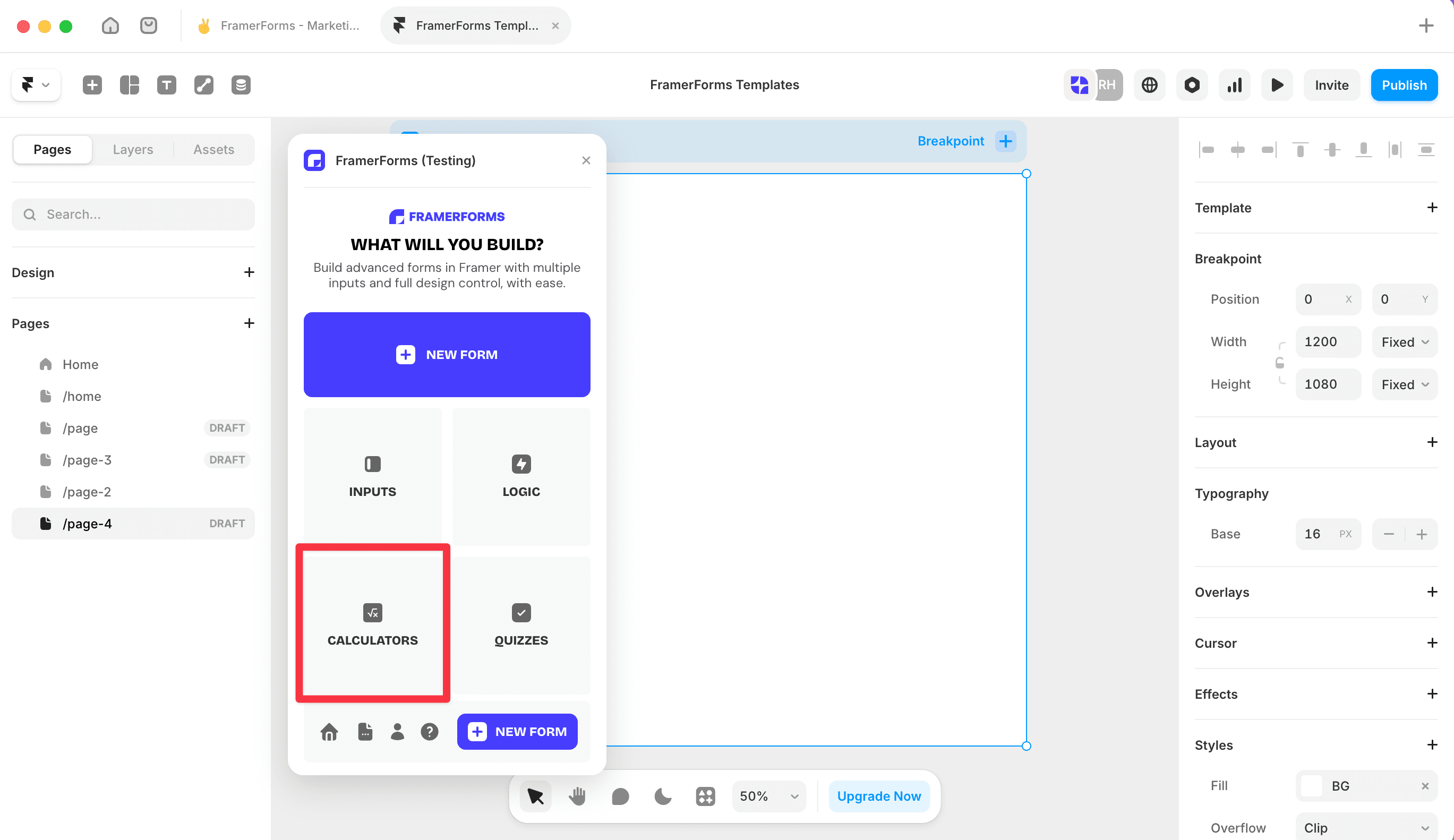
Open FramerForms, go to Calculator and insert it onto your canvas. Select the Answer Display and switch Mode to Advanced.
Plan your expression first
Before adding any inputs, work out what you want to calculate. A simple freelance estimate might look like this:
pages * rate * (1 + (revisions * 0.1))
Not sure how to write yours? Use the free Expression Generator to build it, then paste it in.
The variable names in your expression (pages, rate, revisions) are exactly what you'll use to name your inputs in the next step.
Add your inputs
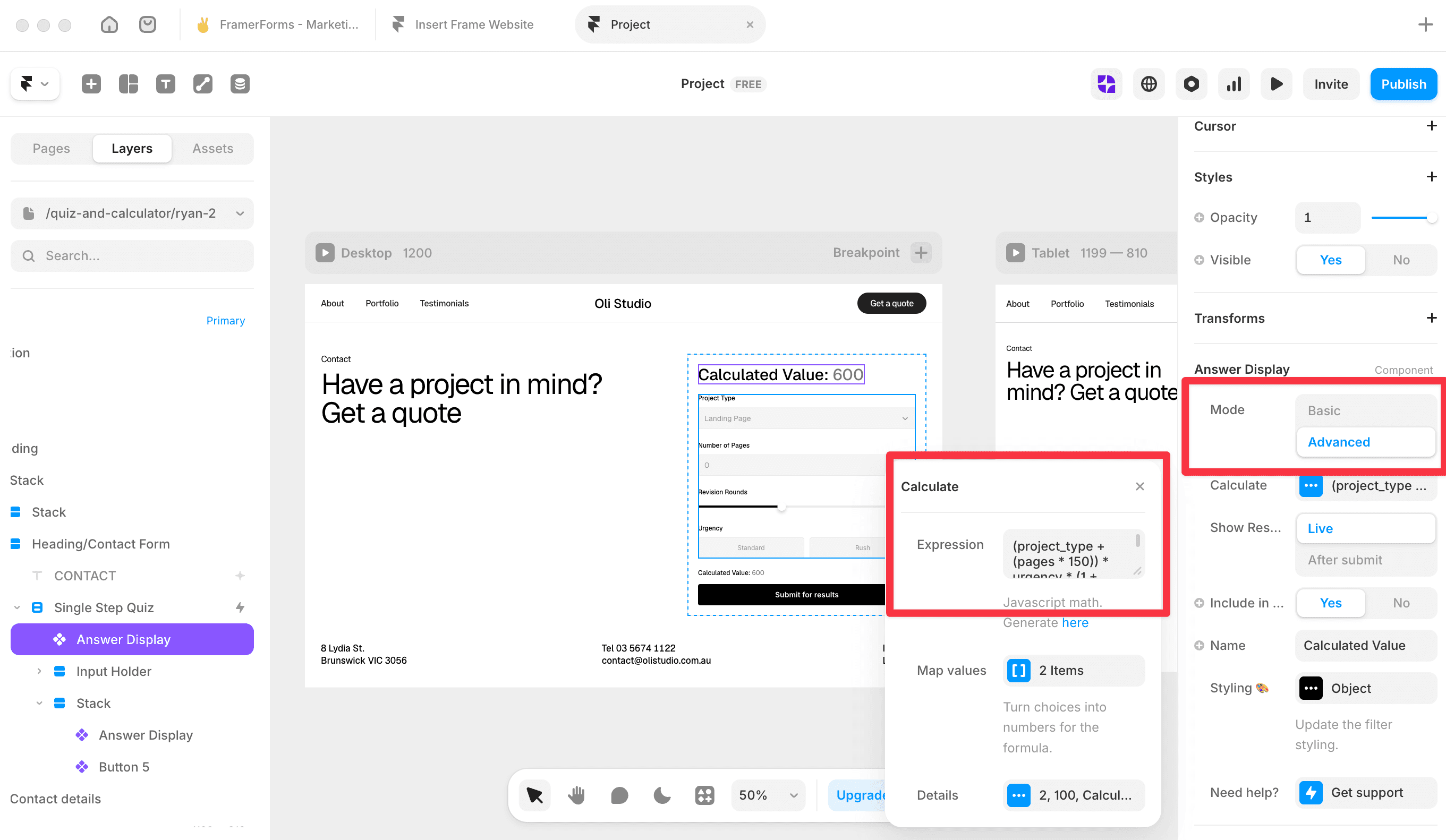
From the plugin, add the following inputs and name each one to match your expression exactly.
⚠️ The Name and the Label are different things. The Label is what visitors see on the form. The Name is what the expression uses behind the scenes. They can be different, but every input must have a unique Name - no two inputs can share one.
Number - Name:
pages, Label: Number of pagesNumber - Name:
rate, Label: Your hourly rate ($)Slider - Name:
revisions, Label: Number of revisions
Paste in your expression
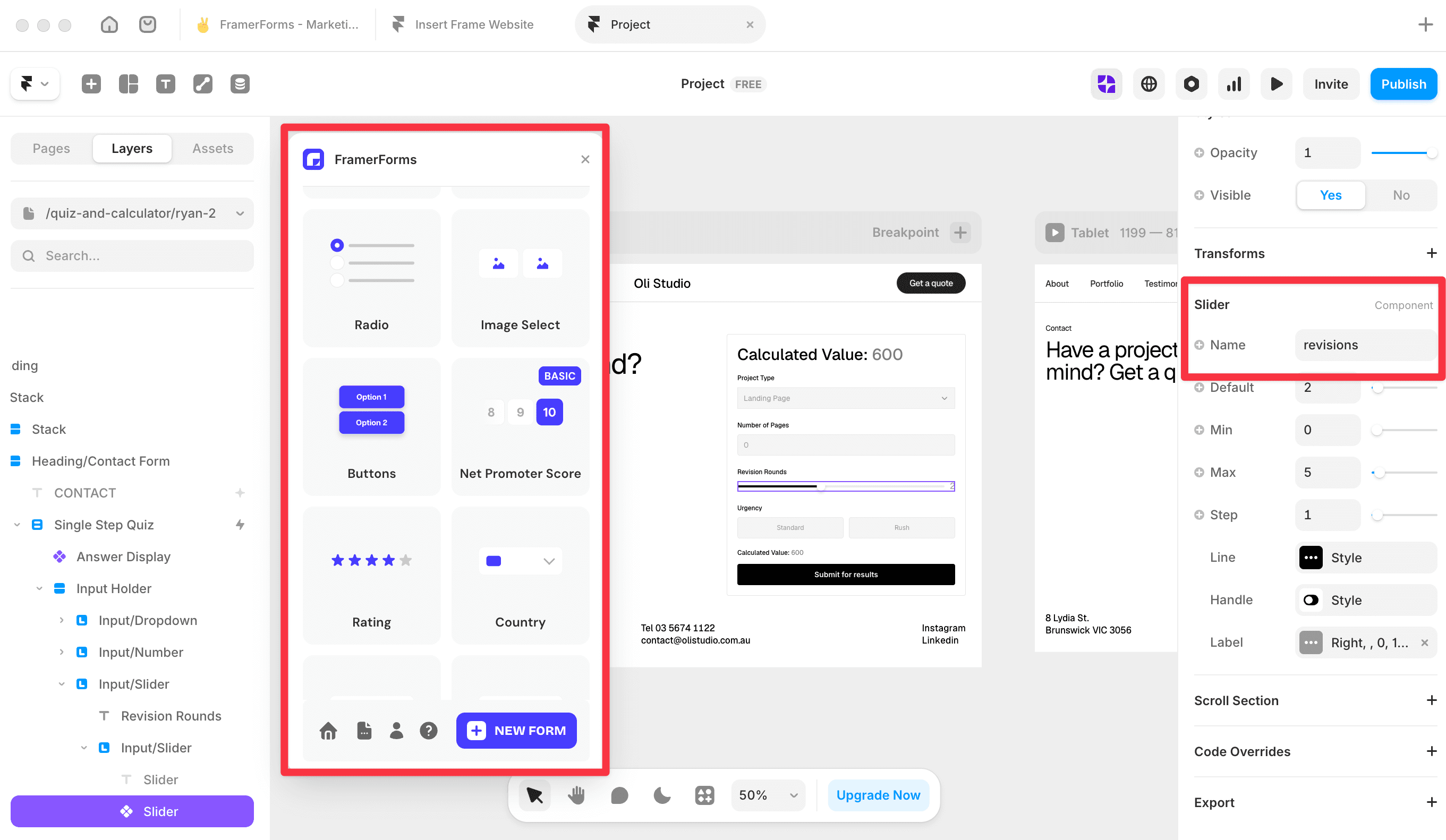
Select the Answer Display, open Calculate and paste your expression into the Expression field.
Configure the output
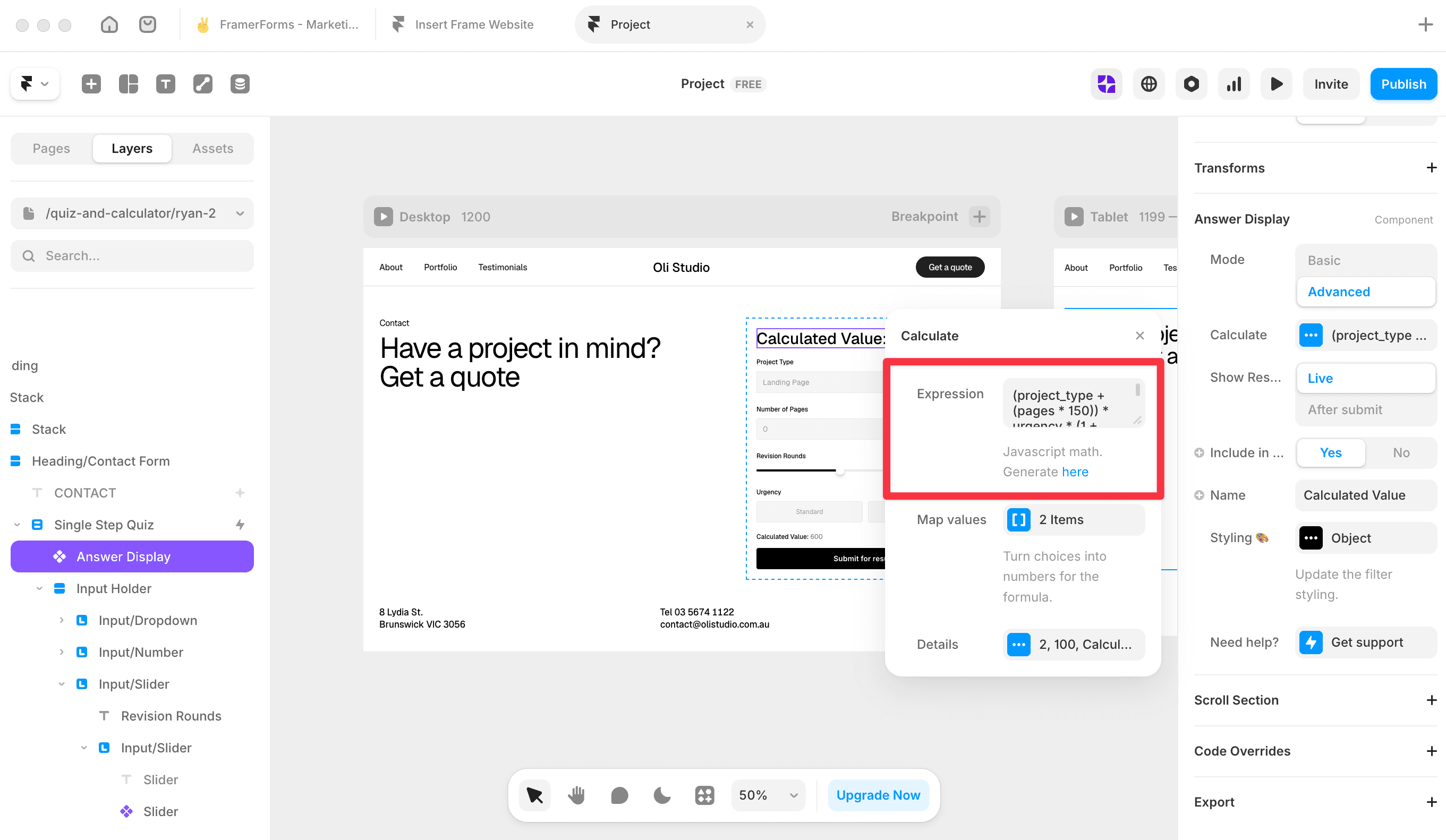
Open Calculate → Details and set:
Prefix -
$so the result reads as a dollar amountDecimal points - 0 for a whole number
Fallback -
-so something shows before inputs are filled
Test your calculator
Preview the form and adjust each input. The total should update live. If it's not changing, check that each input Name matches the expression variable exactly - names are case-sensitive.
You're all set! 🥳


