setup
COMPONENTS
INTEGRATIONS
FAQ
How to insert a country dropdown in FramerForms
Open the FramerForms plugin
Navigate to Inputs
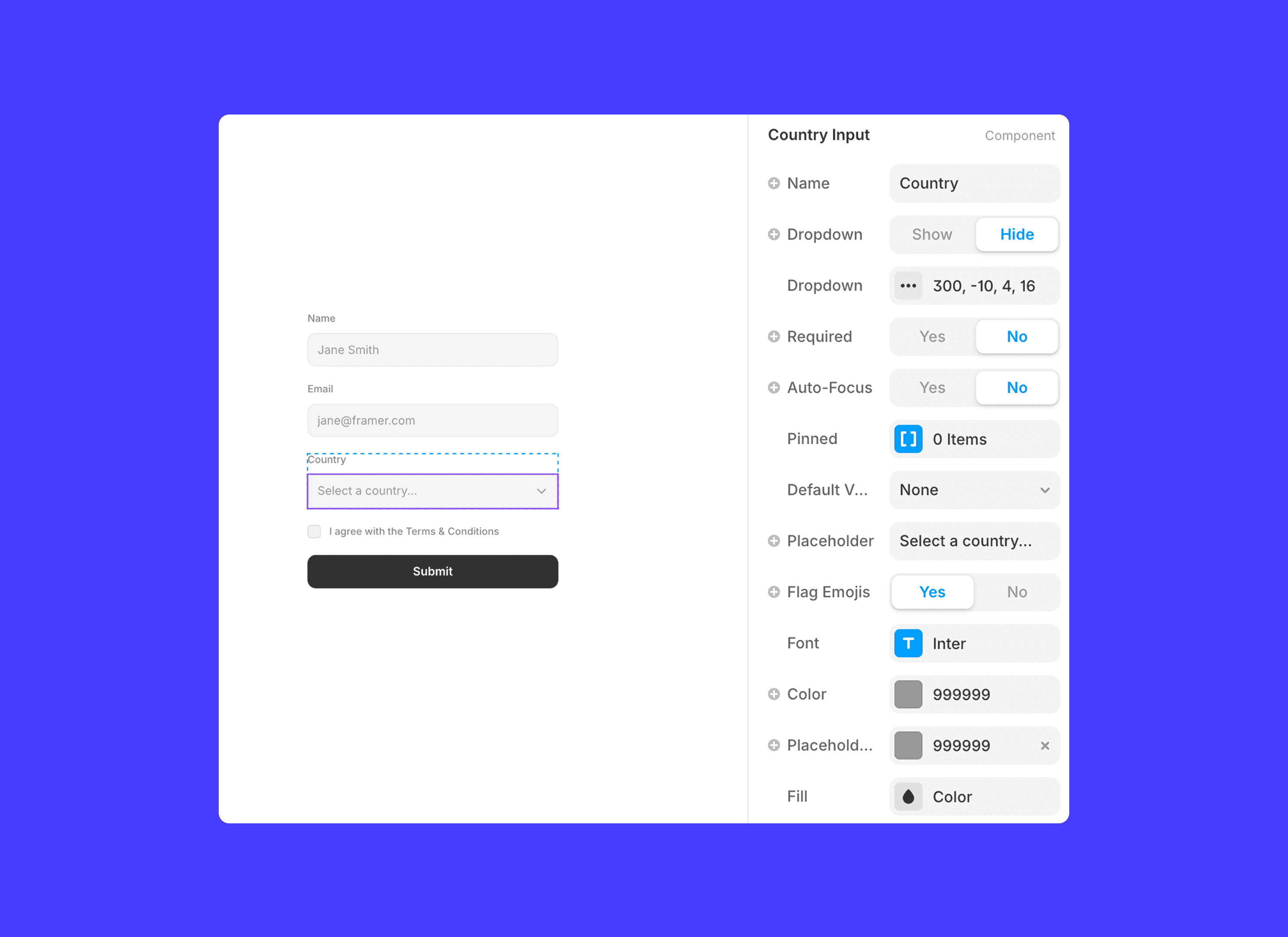
Drag in the ‘Country’ component
This is set up, ready to go!
This component works automatically with phone number input, allowing the user’s country choice to update the phone number format.
💡 Note: If your country dropdown is being cut off when toggled open, check your form overflow is not set to Hidden.
RELATED DOCUMENTATION


