setup
COMPONENTS
INTEGRATIONS
FAQ
Filter Counter - Superfields for Framer
Filter Counter shows the number of filters a visitor currently has active - for example "Filters: 2". (If you want a count of matching results instead, use the Result Counter.)
Before you start: every input works together with the Superfields Collection - the main component that connects your CMS and renders the results. Add and connect that first (see Getting Started with Superfields), then give this input the same ID Filter Group as your collection.
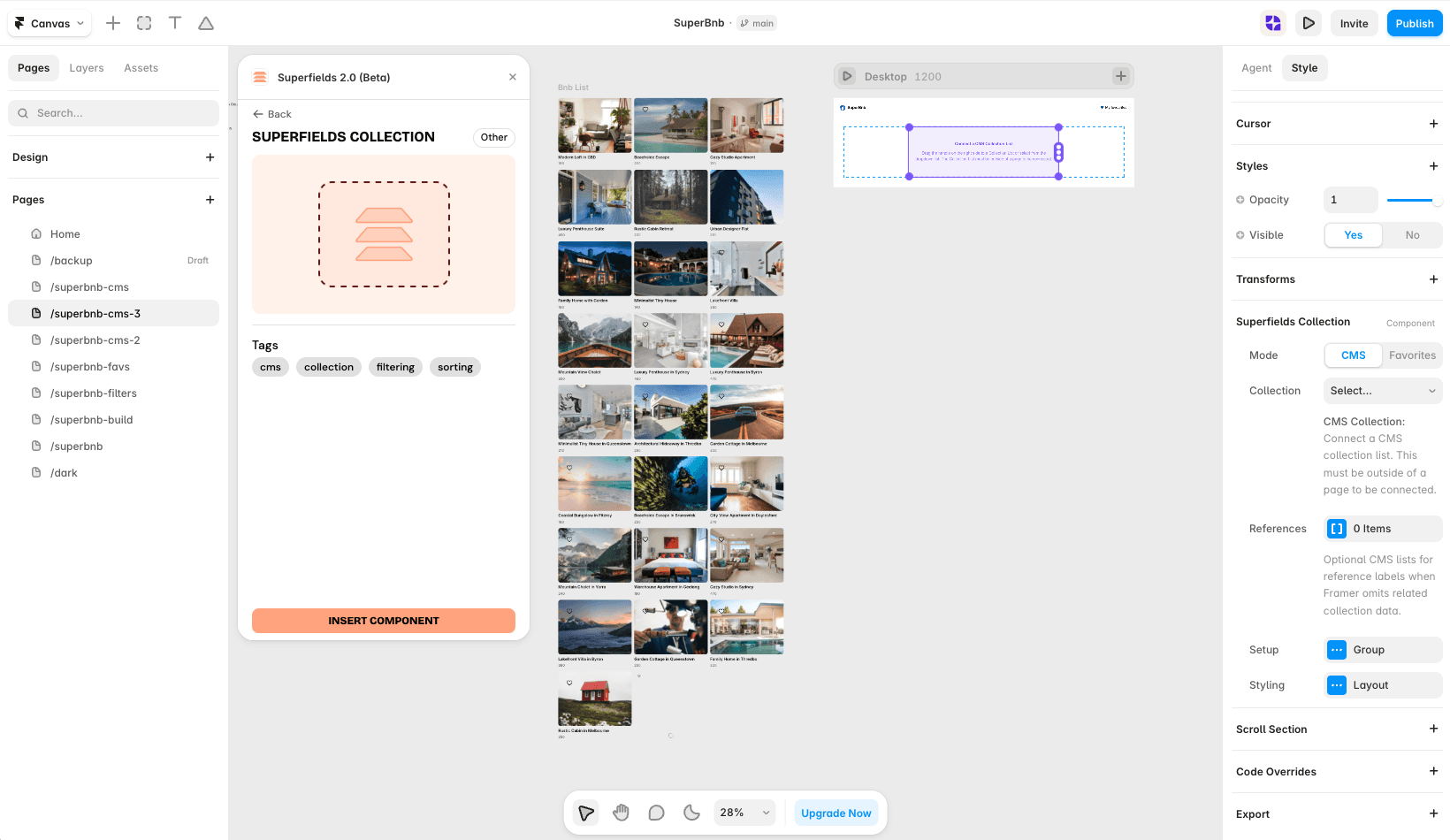
Where to use it
Mobile layouts: a "Filters (3)" badge on the button that opens your filter sheet.
Airbnb-style rentals: show guests how many filters are narrowing their search.
Online store: pair it with a reset button so shoppers know there's something to clear.
Best when filters are hidden behind a panel and visitors need a reminder they're active.
Add Filter Counter
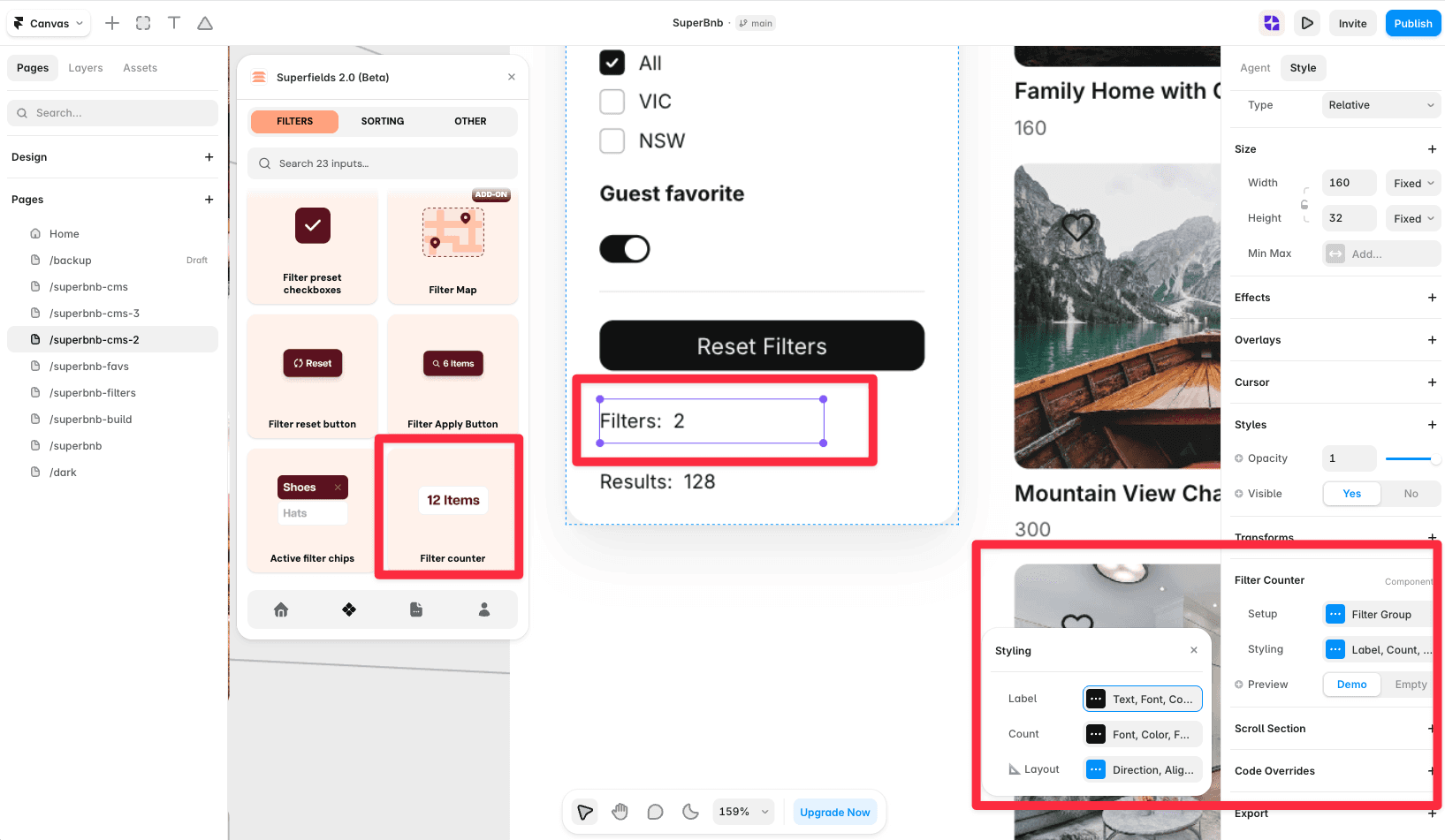
Open the Superfields plugin and go to Components, then the Filters tab.
Drag Filter Counter onto your page, inside your filters layout.
Open the component's Setup from the
...menu.
Setup
ID Filter Group - must match your Superfields Collection and other filter controls.
Styling
Style the Label (the "Filters:" text), the Count (the number) and the Layout (direction and alignment). A preview toggle lets you see a demo or empty state while designing.
And that's it - a live count of active filters.


