setup
COMPONENTS
INTEGRATIONS
FAQ
Filter Toggle - Superfields for Framer
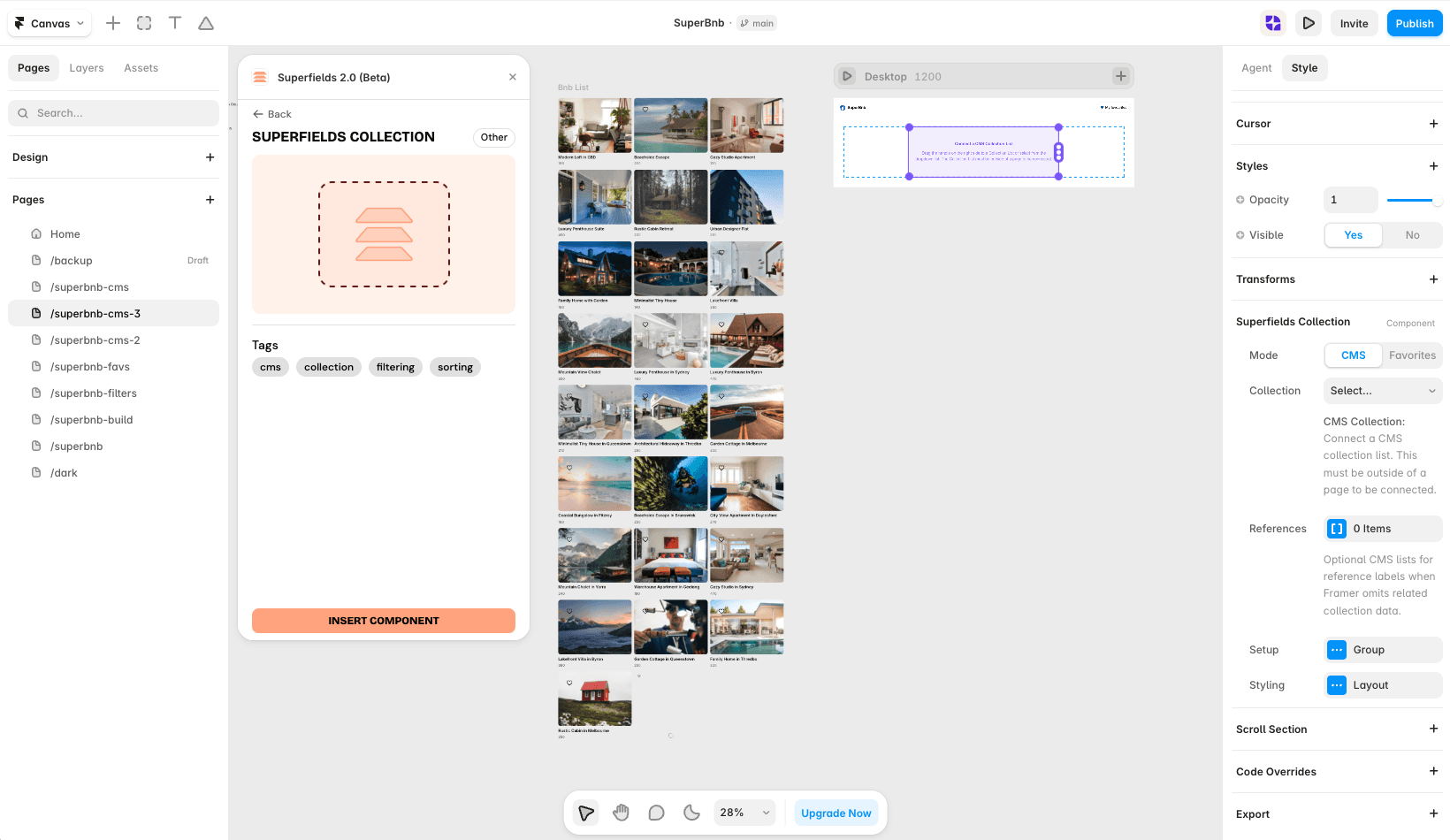
Filter Toggle is a simple switch that filters a boolean (toggle) CMS field - for example "Featured", "In stock" or "Guest favourite".
Before you start: every input works together with the Superfields Collection - the main component that connects your CMS and renders the results. Add and connect that first (see Getting Started with Superfields), then give this input the same ID Filter Group as your collection.
Where to use it
Airbnb-style rentals: "Superhost only" or "Instant book".
Online store: "In stock only".
Job board: "Remote only".
Best for a single yes/no switch on a toggle CMS field.
Add Filter Toggle
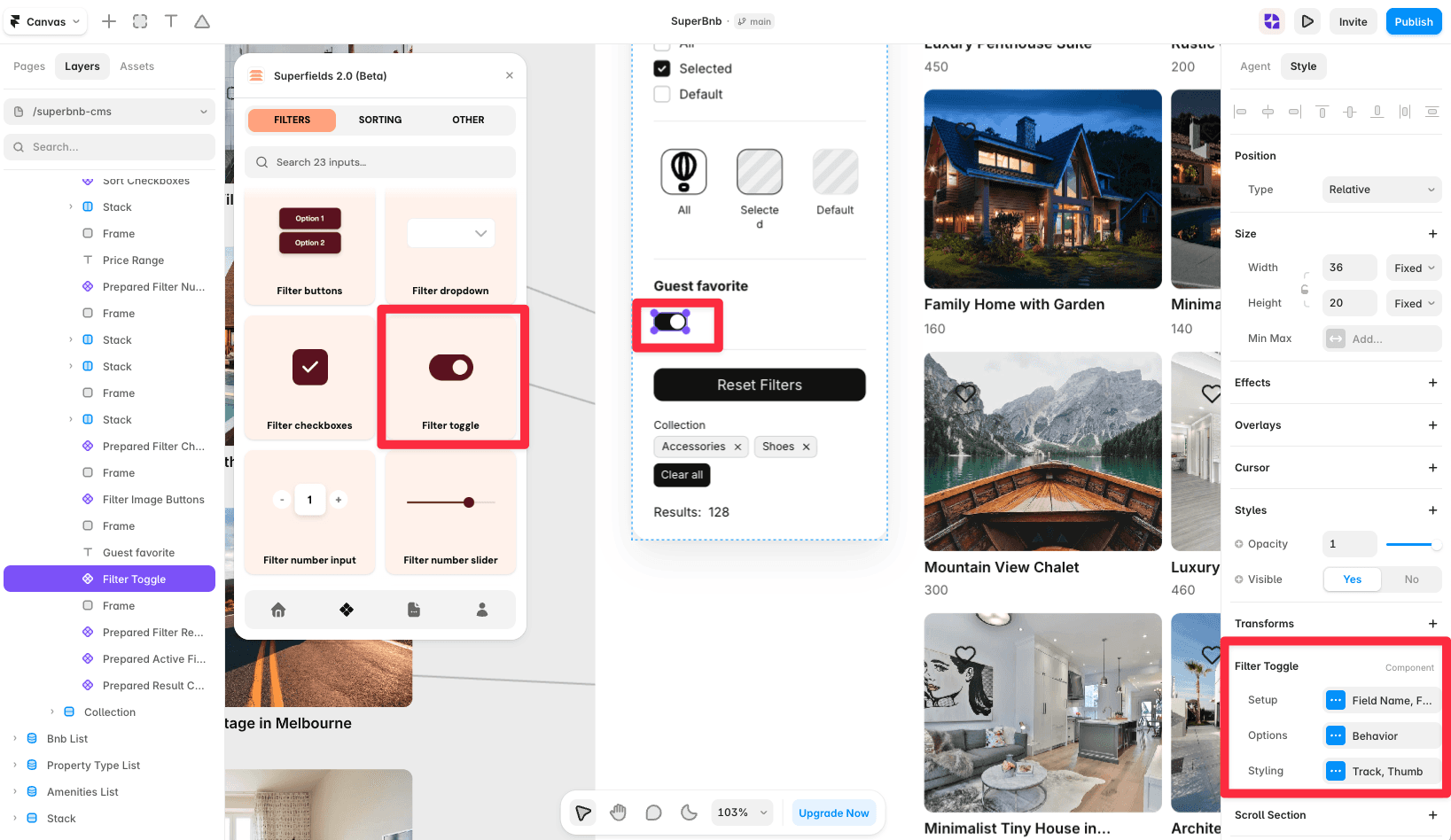
Open the Superfields plugin and go to Components, then the Filters tab.
Drag Filter Toggle onto your page, inside your filters layout.
Open the component's Setup from the
...menu.
Setup
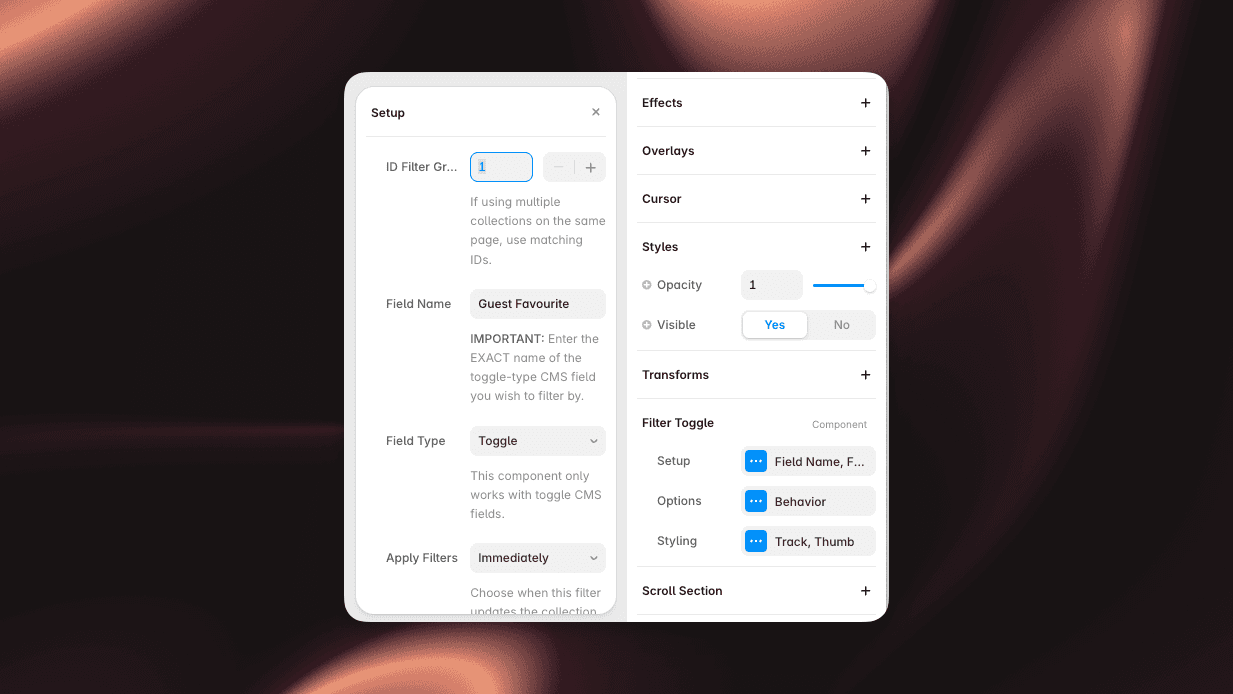
ID Filter Group - must match your Superfields Collection and other filter controls.
Field Name - the exact name of the toggle-type CMS field.
Field Type - locked to Toggle, since this component only works with toggle fields.
Options
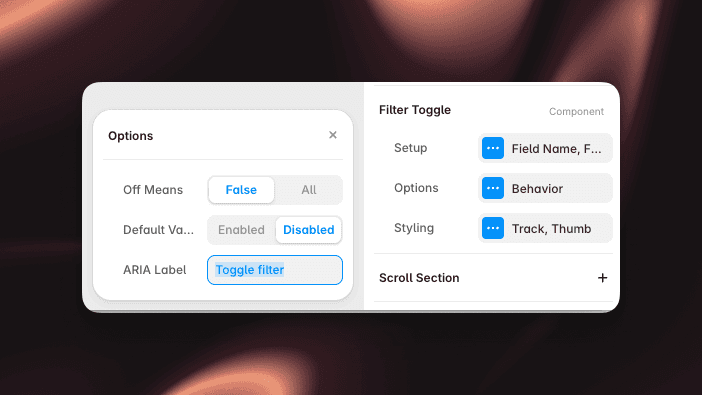
Off Means - choose what "off" does: filter to items where the field is False, or show All (no filtering).
Default Value - set the switch's starting state (On or Off).
ARIA Label - accessible label for the switch.
Styling
Style the Track and Thumb (size, inset and transition), with a preview toggle for the On and Off states.
And that's it - one-tap boolean filtering.


